Capture just what you need
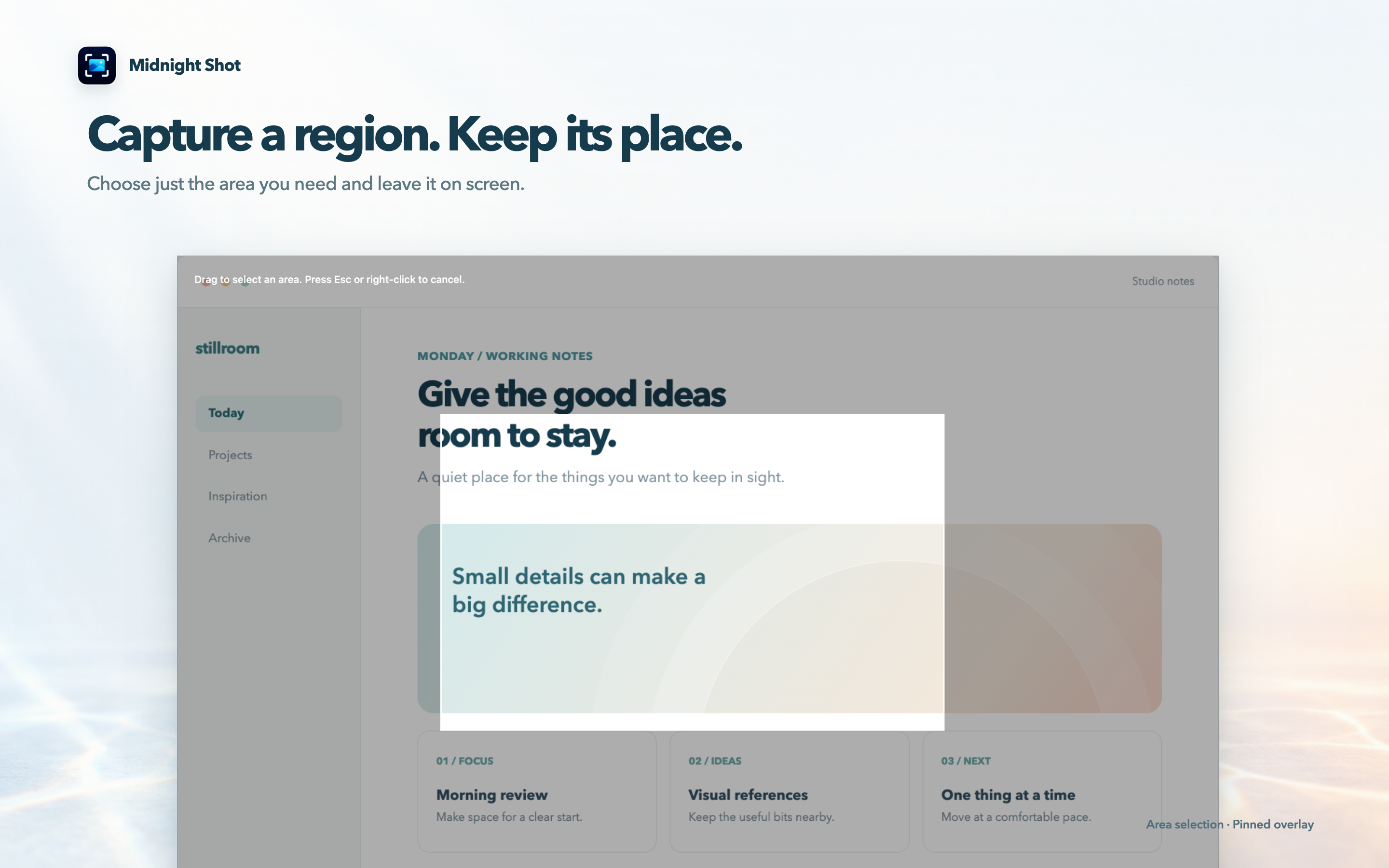
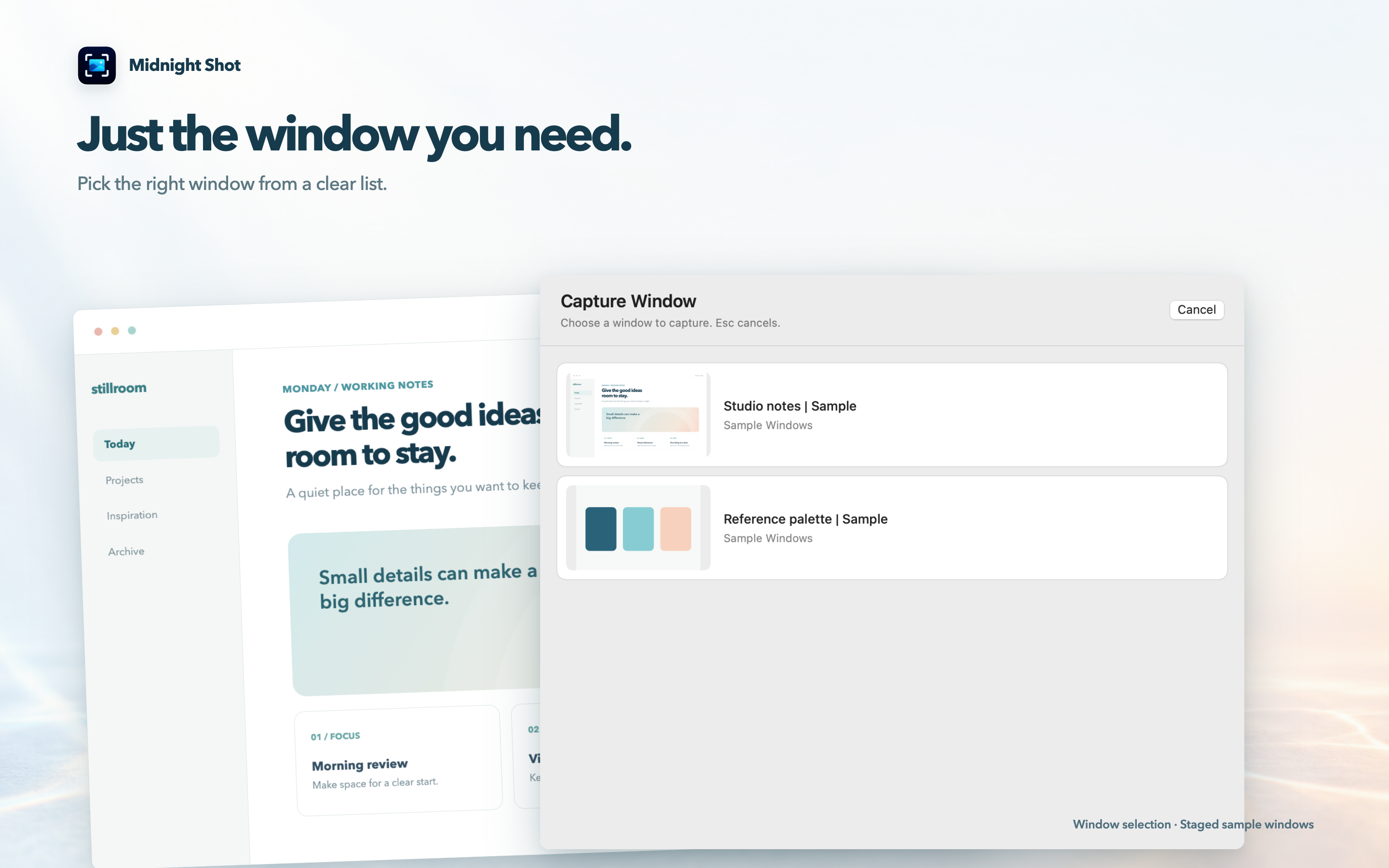
Drag to select an area, capture the full screen, or choose a window from the preview list.

Midnight Shot
Midnight Shot captures an area, window or full screen on Mac and pins the image above other apps. Adjust its size and opacity, then copy or save it as PNG.
macOS 14 or later · Apple silicon (M1 or later)
Mac and Windows download / purchase available through Lemon Squeezy.
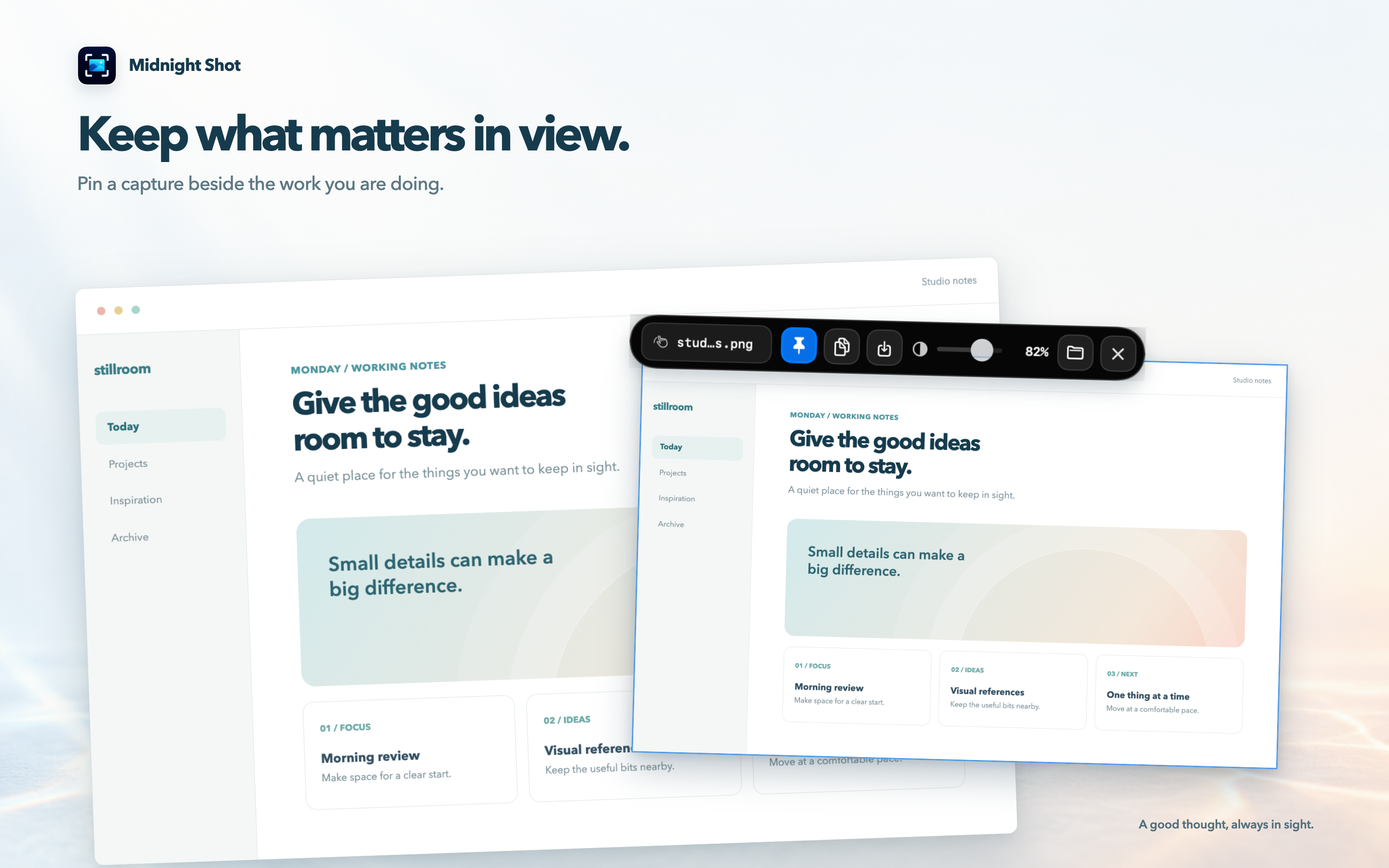
Drag to select an area, capture the full screen, or choose a window from the preview list.
Keep a capture above other windows so references and comparison images stay close by.
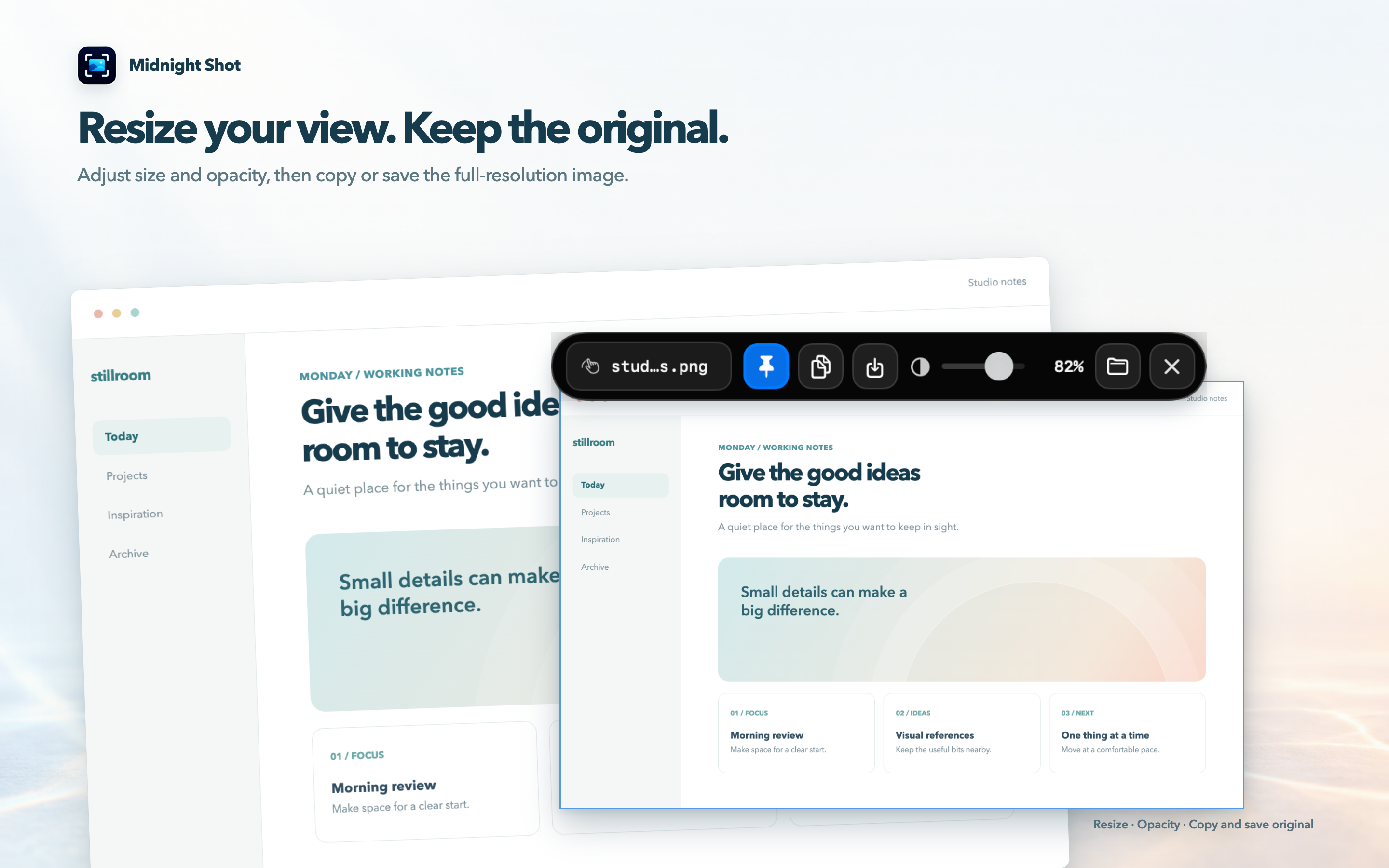
Set a comfortable size and opacity, then copy or save the capture as a PNG.
Choose an area, screen, or window from the menu bar. Use ⌥⌘A for an area, ⌥⌘S for the full screen, or ⌥⌘W to choose a window.
Pin the capture and adjust its position, size, and opacity. You can also adjust the visible area when needed.
Choose Copy or Save As from the toolbar. The capture saved automatically at the start stays unchanged.
macOS Screen Recording permission is required. If capture still does not work after you allow it, quit and reopen the app, then check the permission.
Captures are saved as PNG files on this Mac. The app does not upload captured images to the developer’s server.
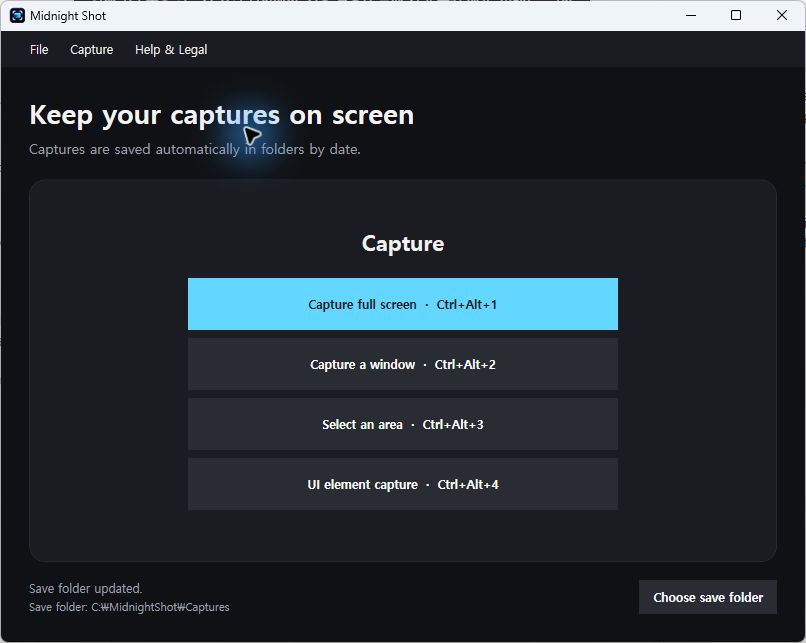
The Windows version includes screen, window, area and UI element capture, pinned overlays and opacity controls. UI element detection depends on the accessibility information provided by the app.