Adjust photos
Open a photo and make quick visual adjustments.

Frame Zero
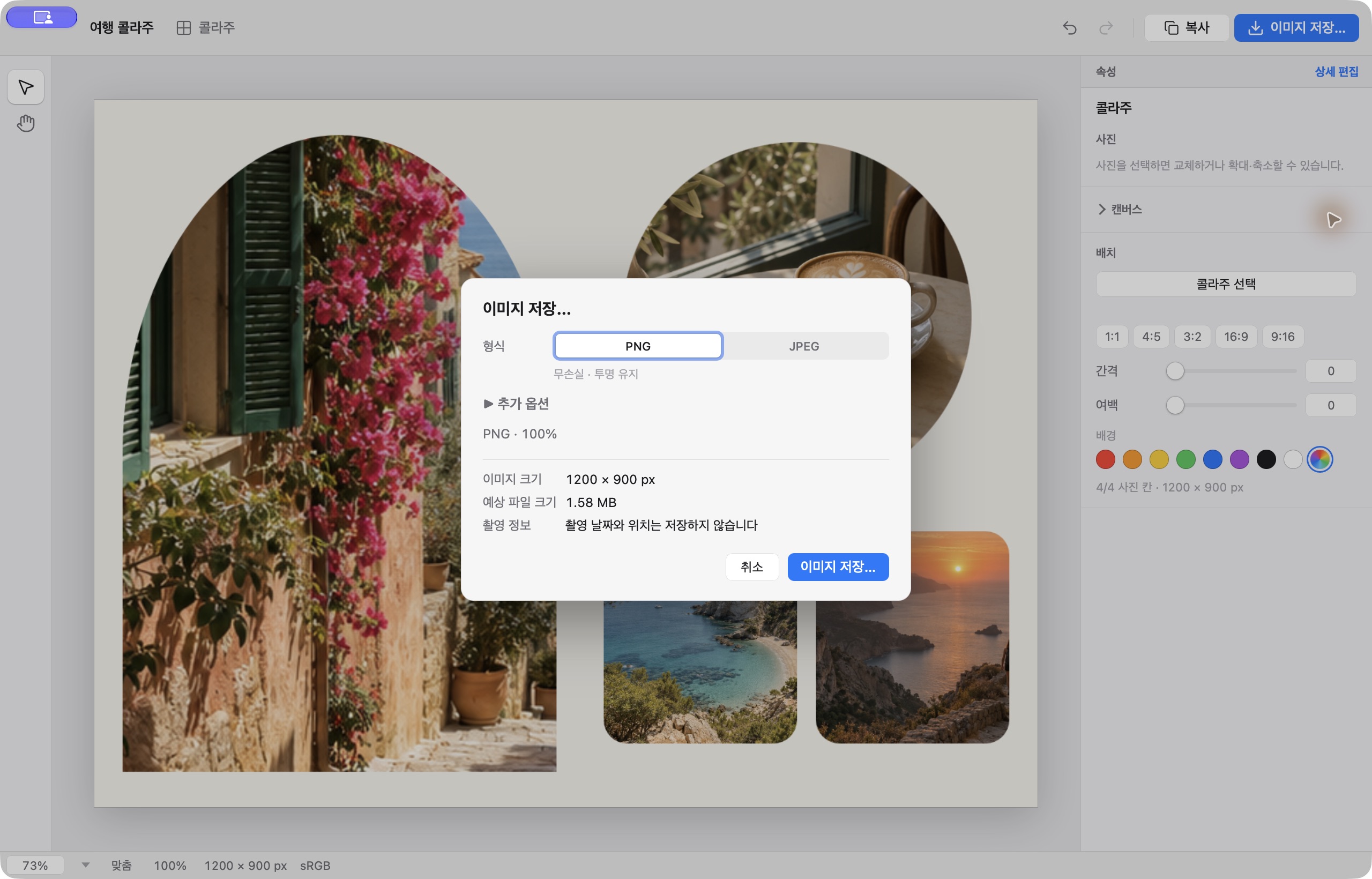
Frame Zero is a photo and collage editor for Mac. Adjust a photo, add arrows, numbered markers and editable notes, then save the result as PNG or JPEG.
macOS 14 or later · Apple silicon
Mac download available
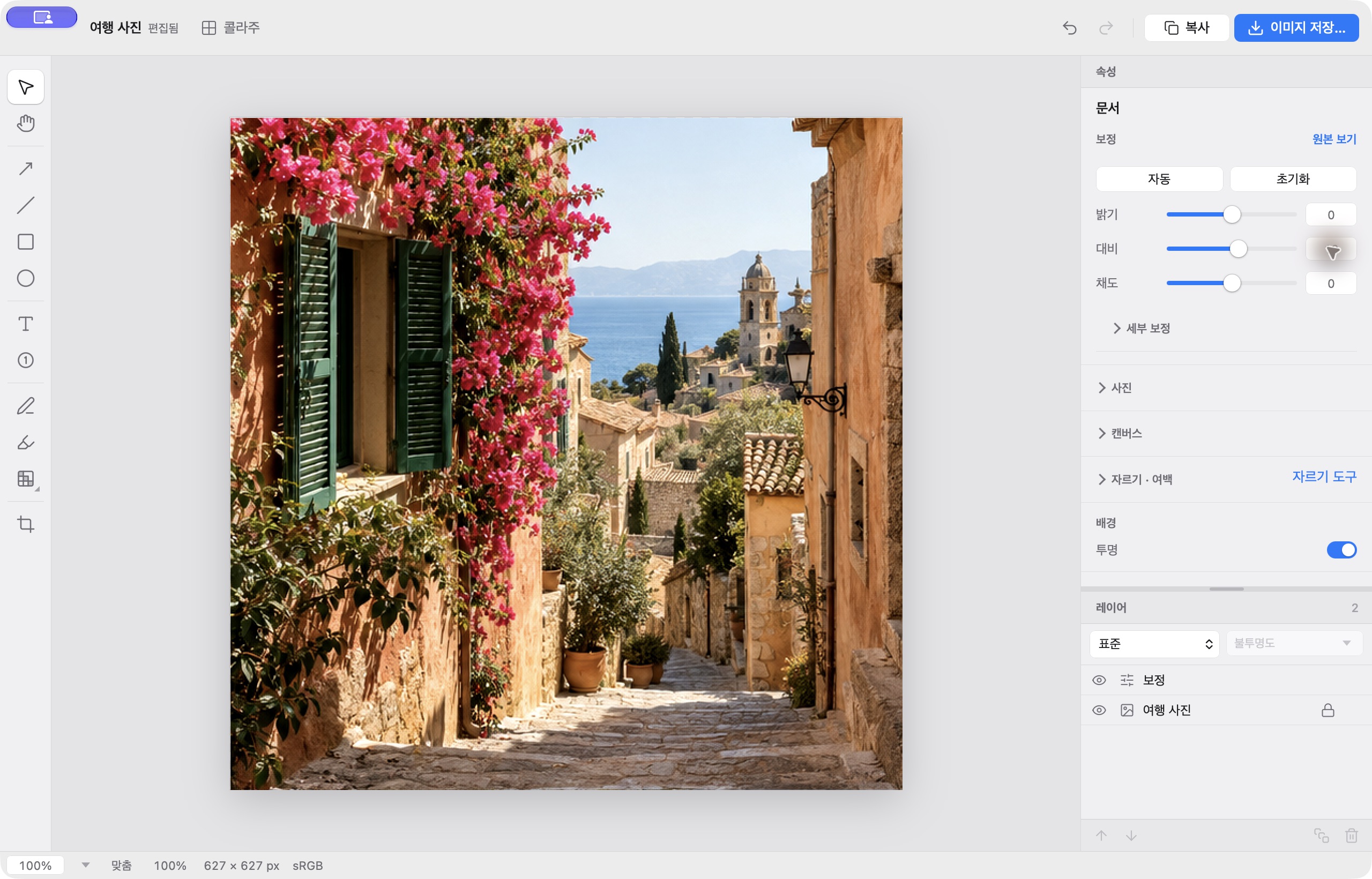
Open a photo and make quick visual adjustments.
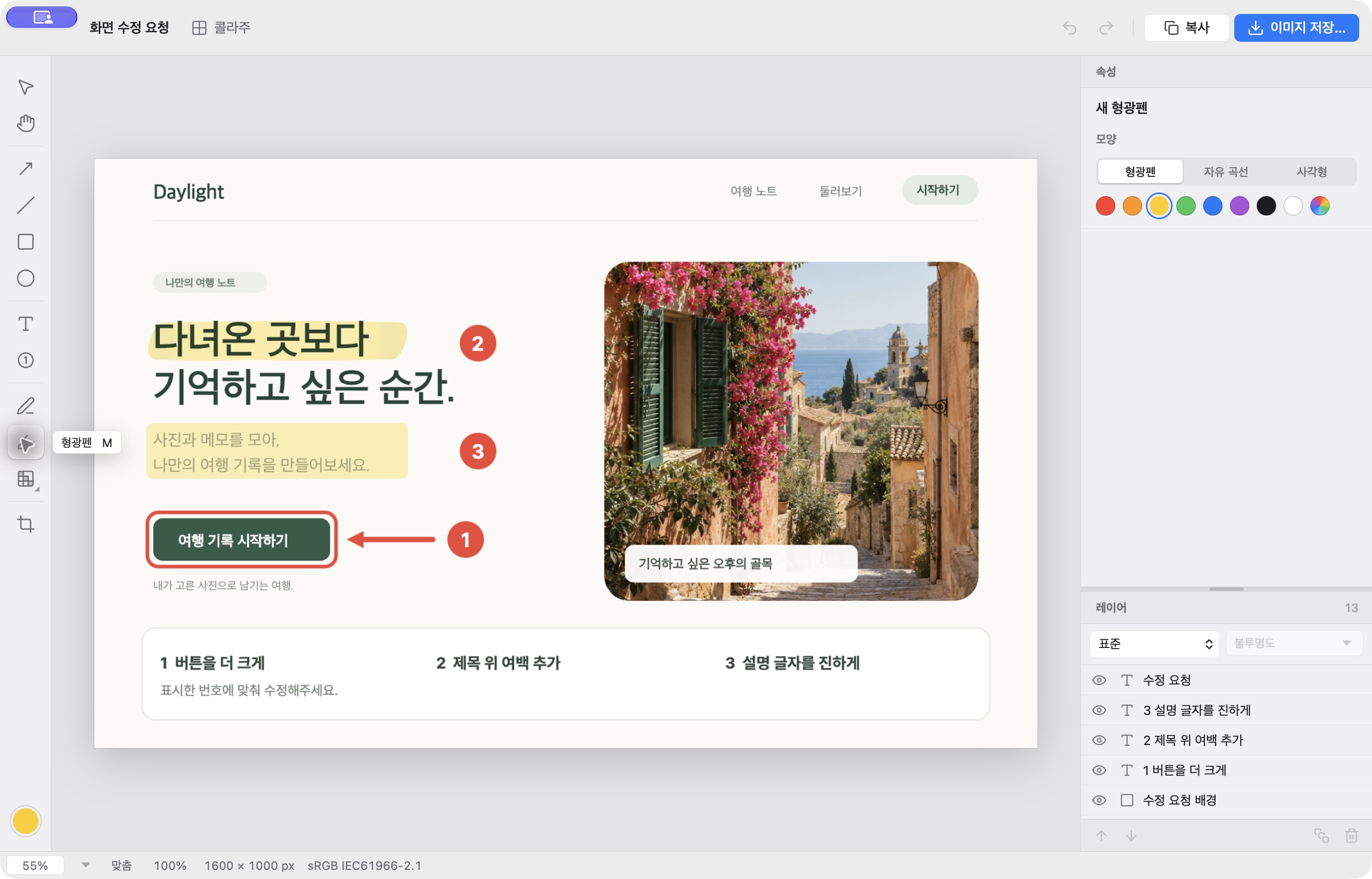
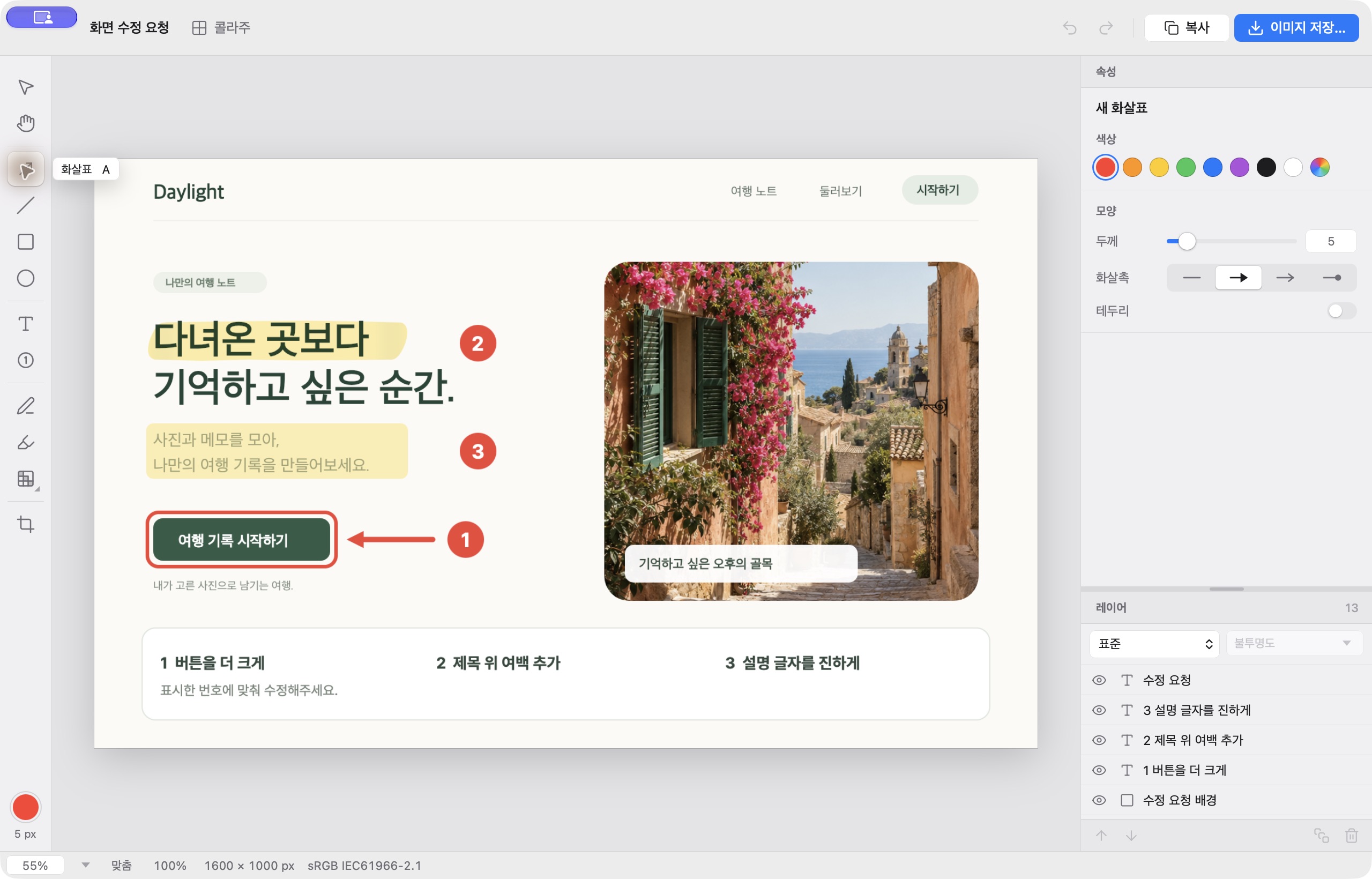
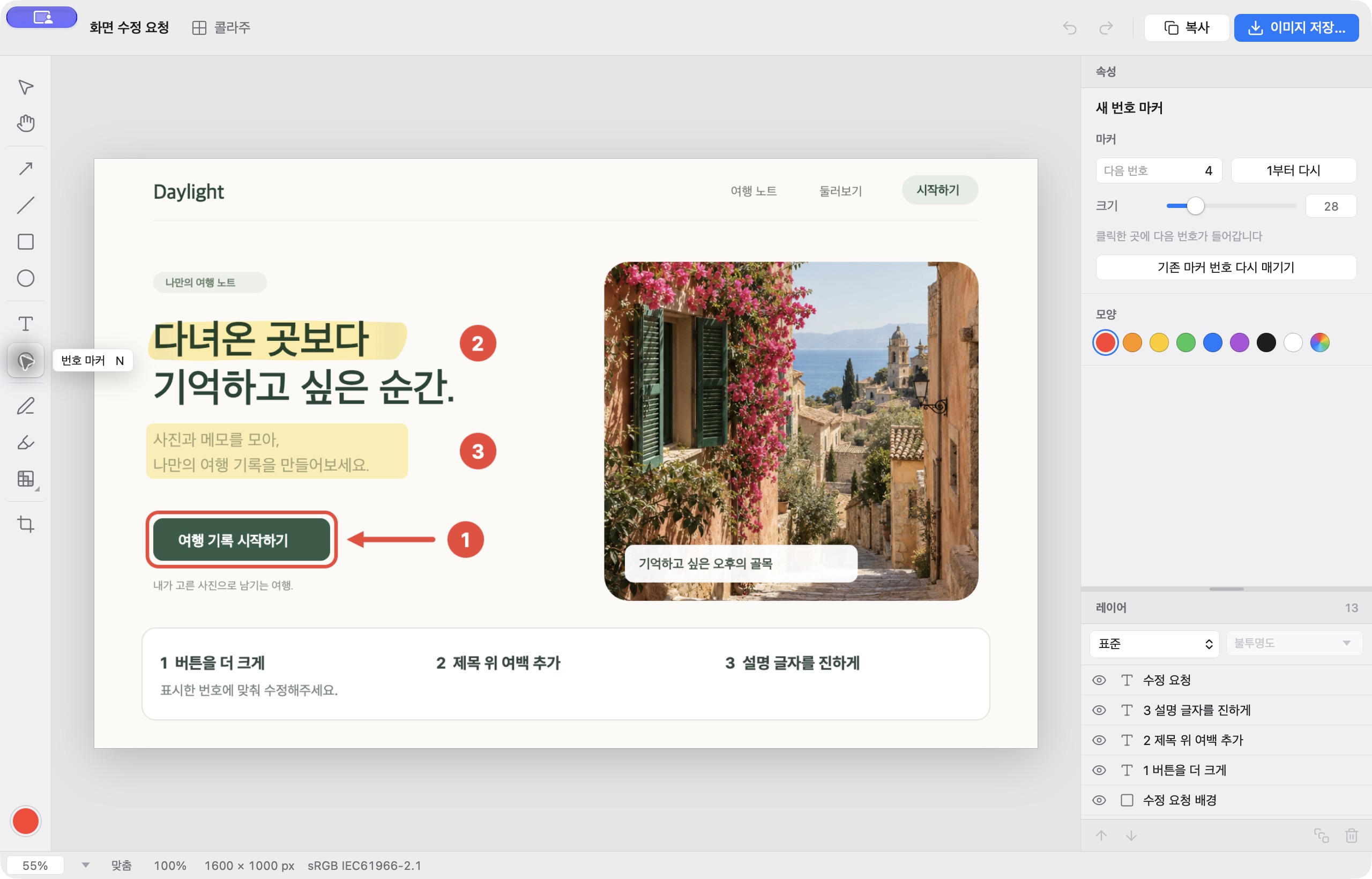
Point to details with highlights, arrows, numbered markers, and editable text.
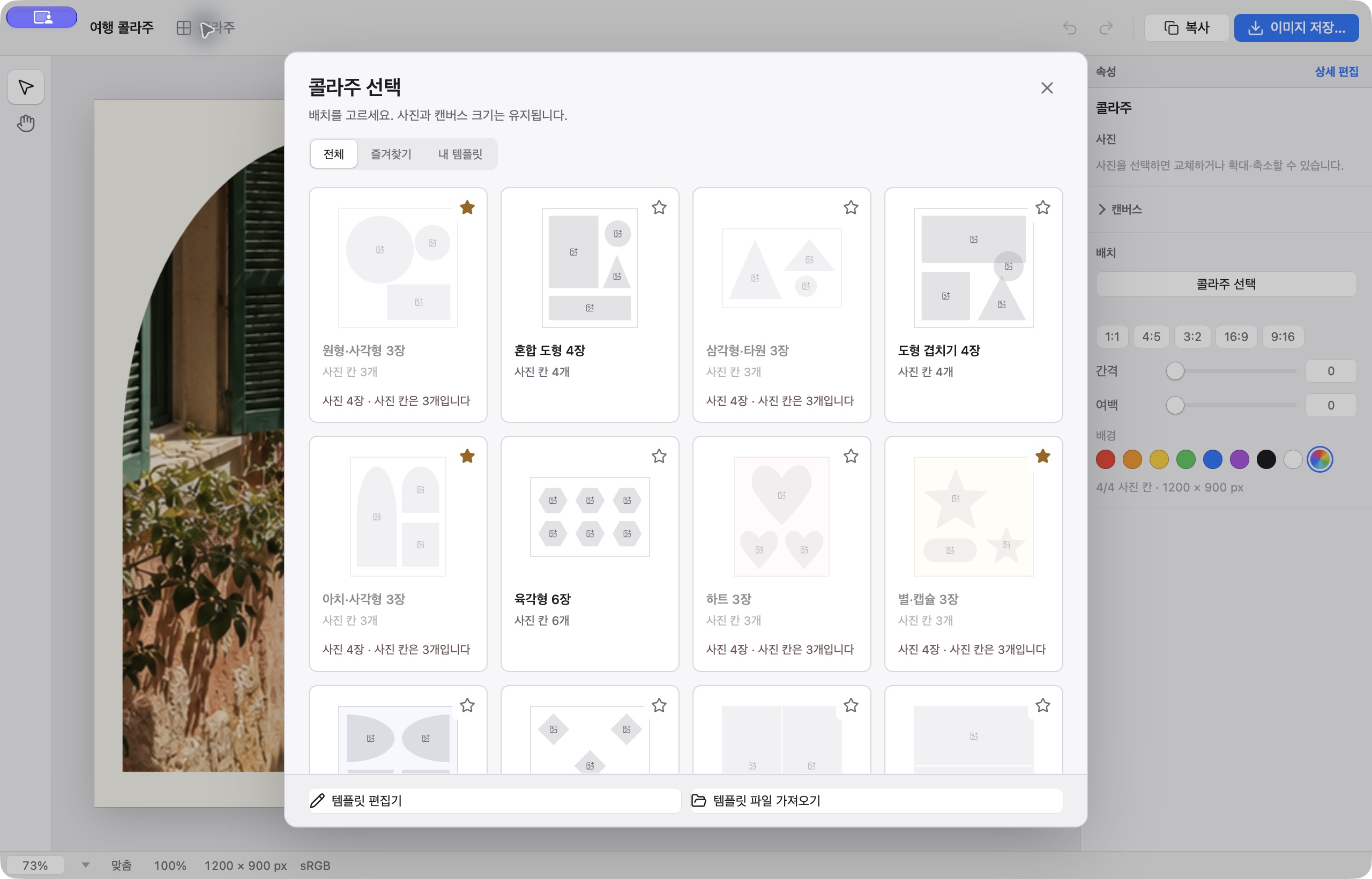
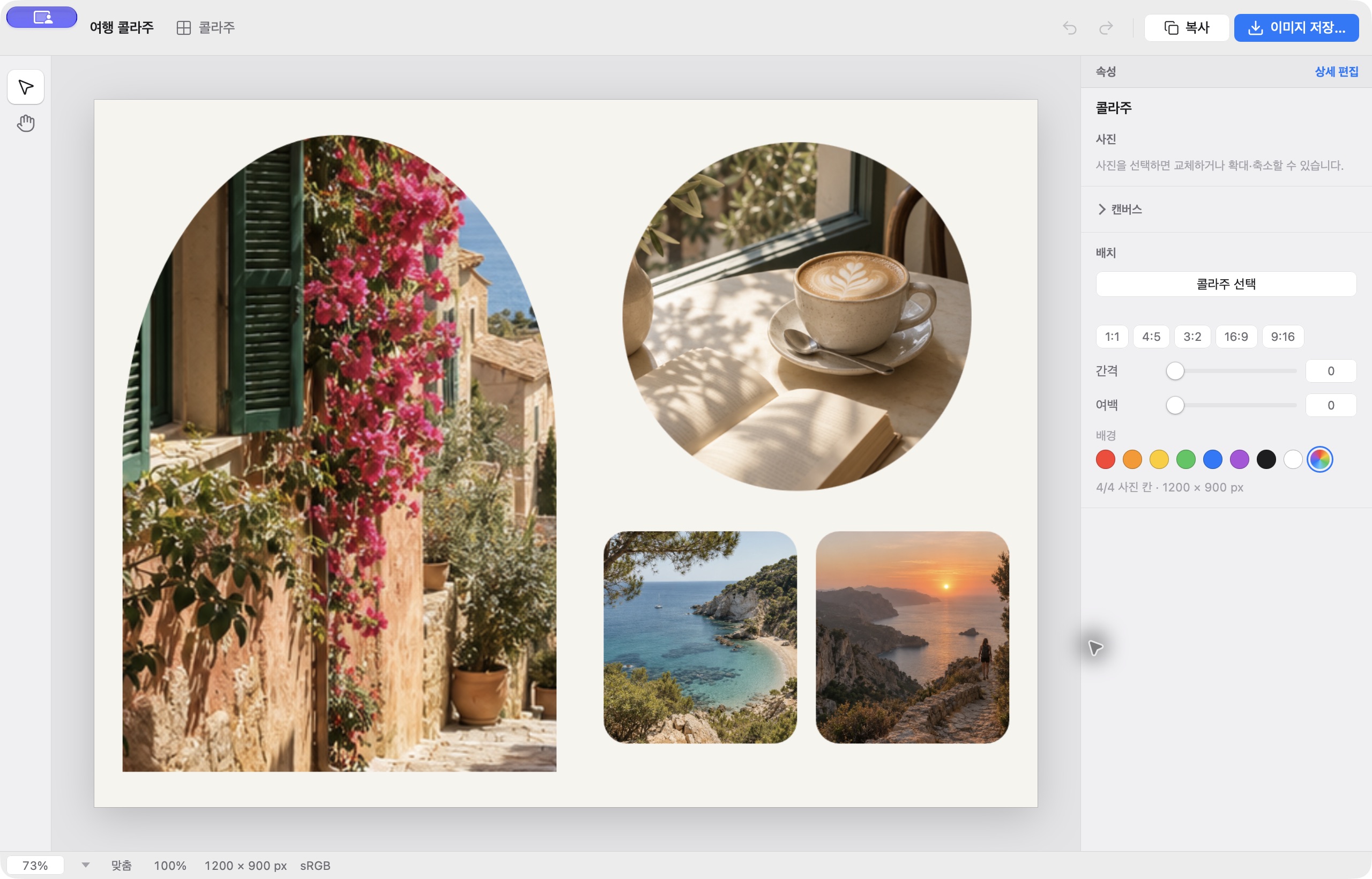
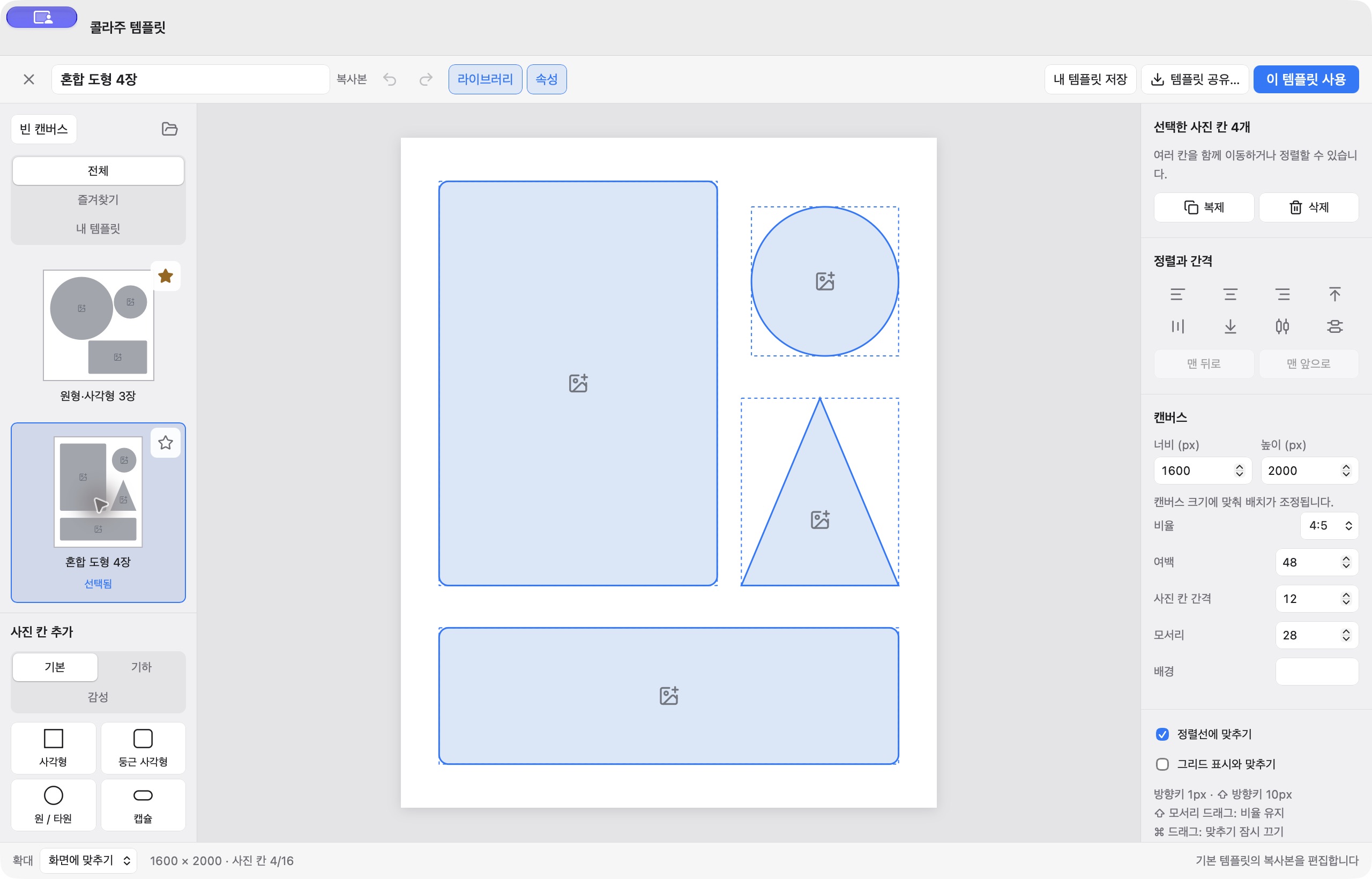
Use shape-based layouts or arrange photo spaces to create a custom composition.
Export the finished image as PNG or JPEG.
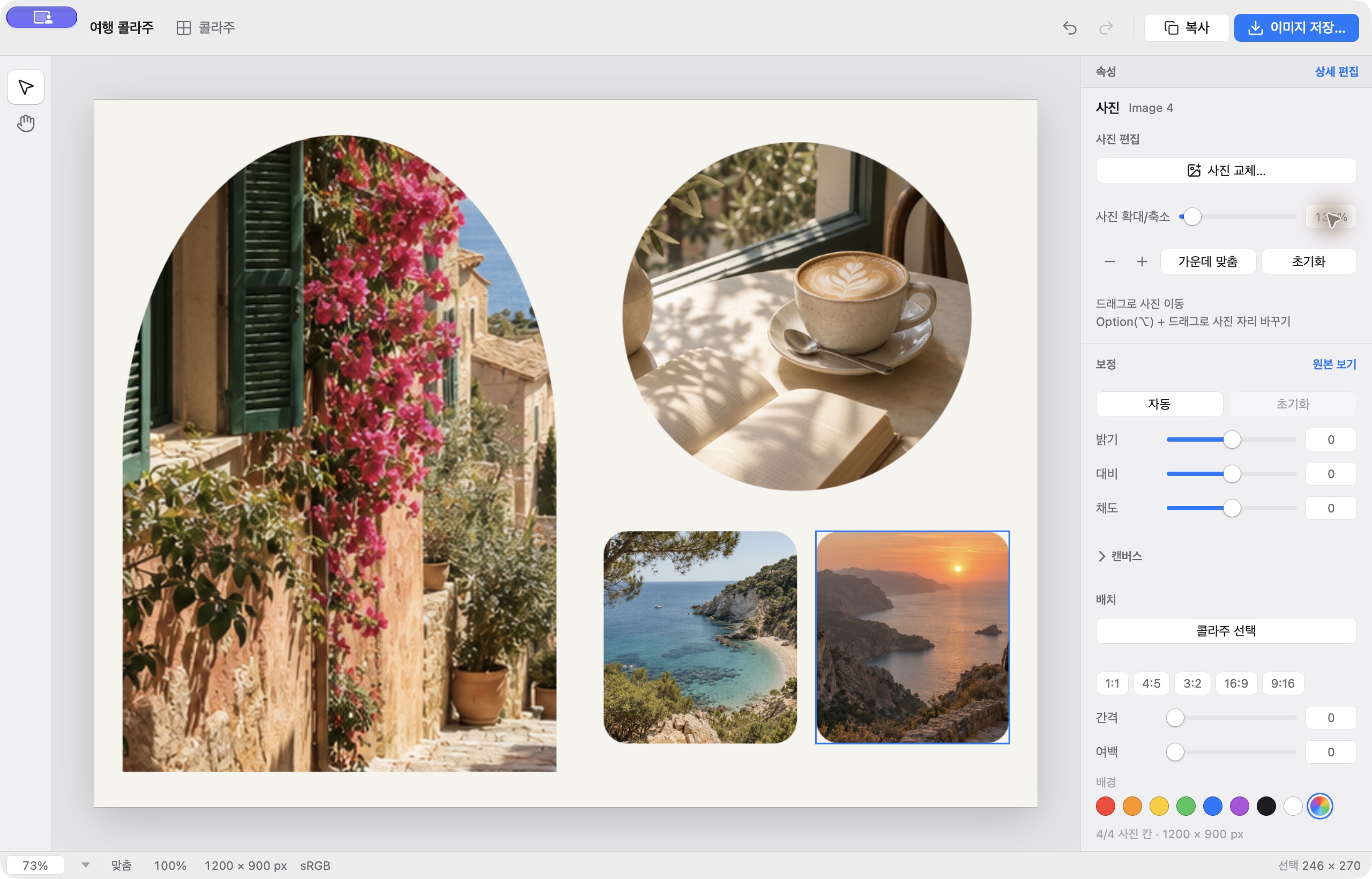
Start with a photo and fine-tune its appearance with the editing controls.
Use highlights, arrows, numbered markers, and editable notes to make details easier to follow.
Choose a collage layout or build your own, then save the result as PNG or JPEG.

macOS 14 or later · Apple silicon
Version 0.1.4