Tags and collections
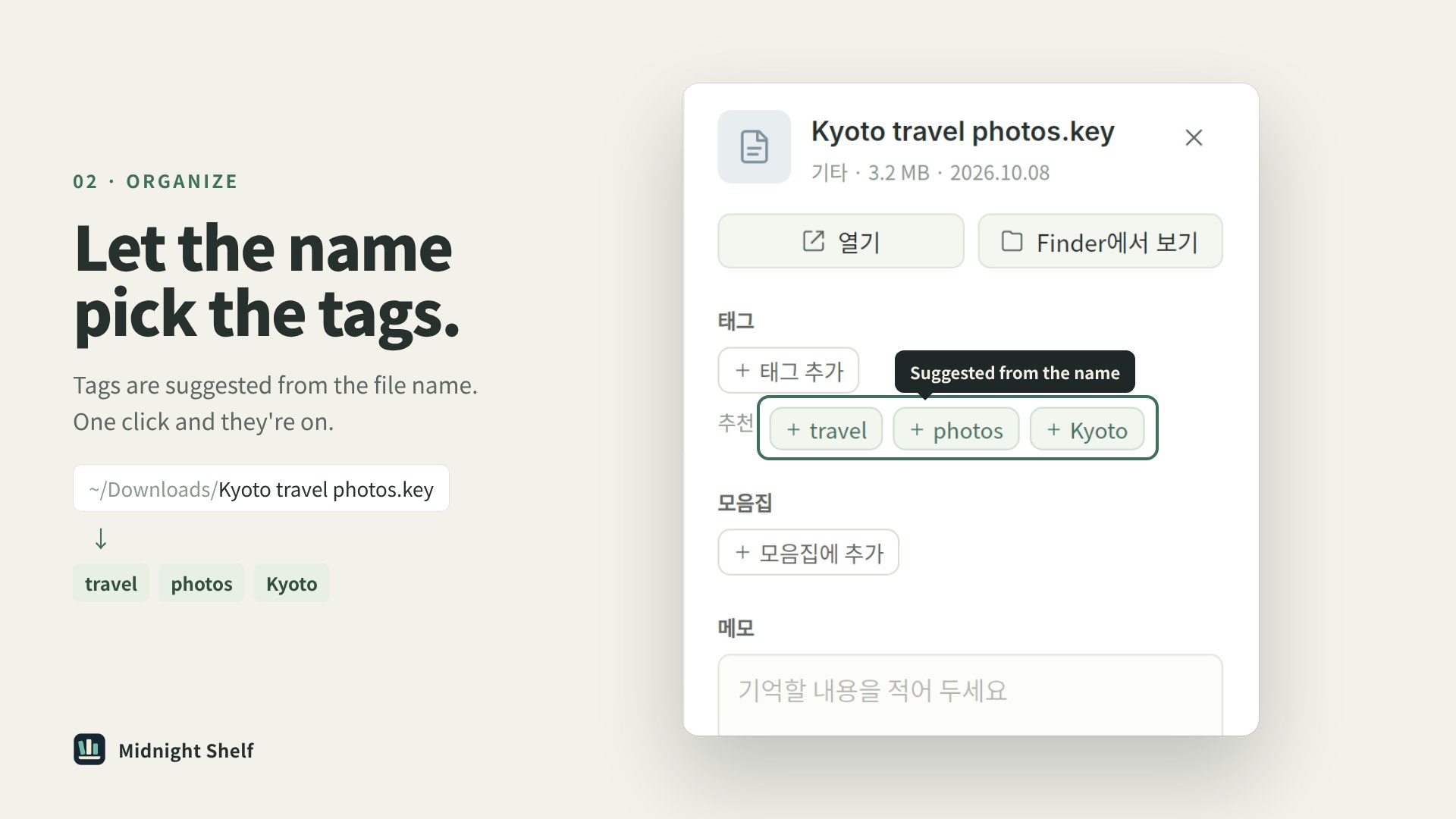
Give a file several tags and include it in multiple collections.

Midnight Shelf
Midnight Shelf organizes files without moving or changing the originals. Search file names, tags and notes together, and keep a file in more than one collection.
Mac: macOS 15 or later, Apple silicon · Windows 10 or 11, x64
Mac 0.0.20 · Windows 0.0.19 available
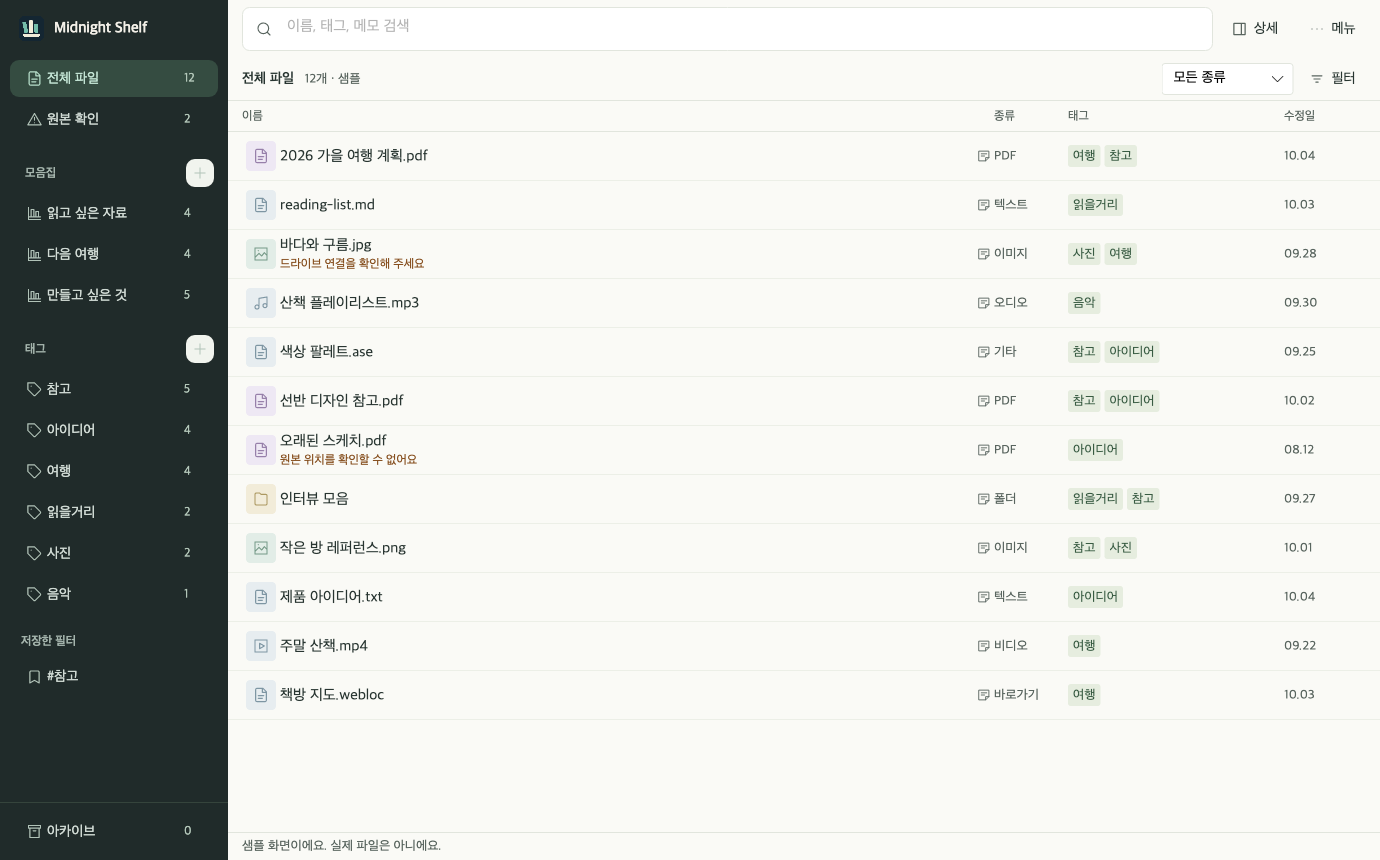
Give a file several tags and include it in multiple collections.
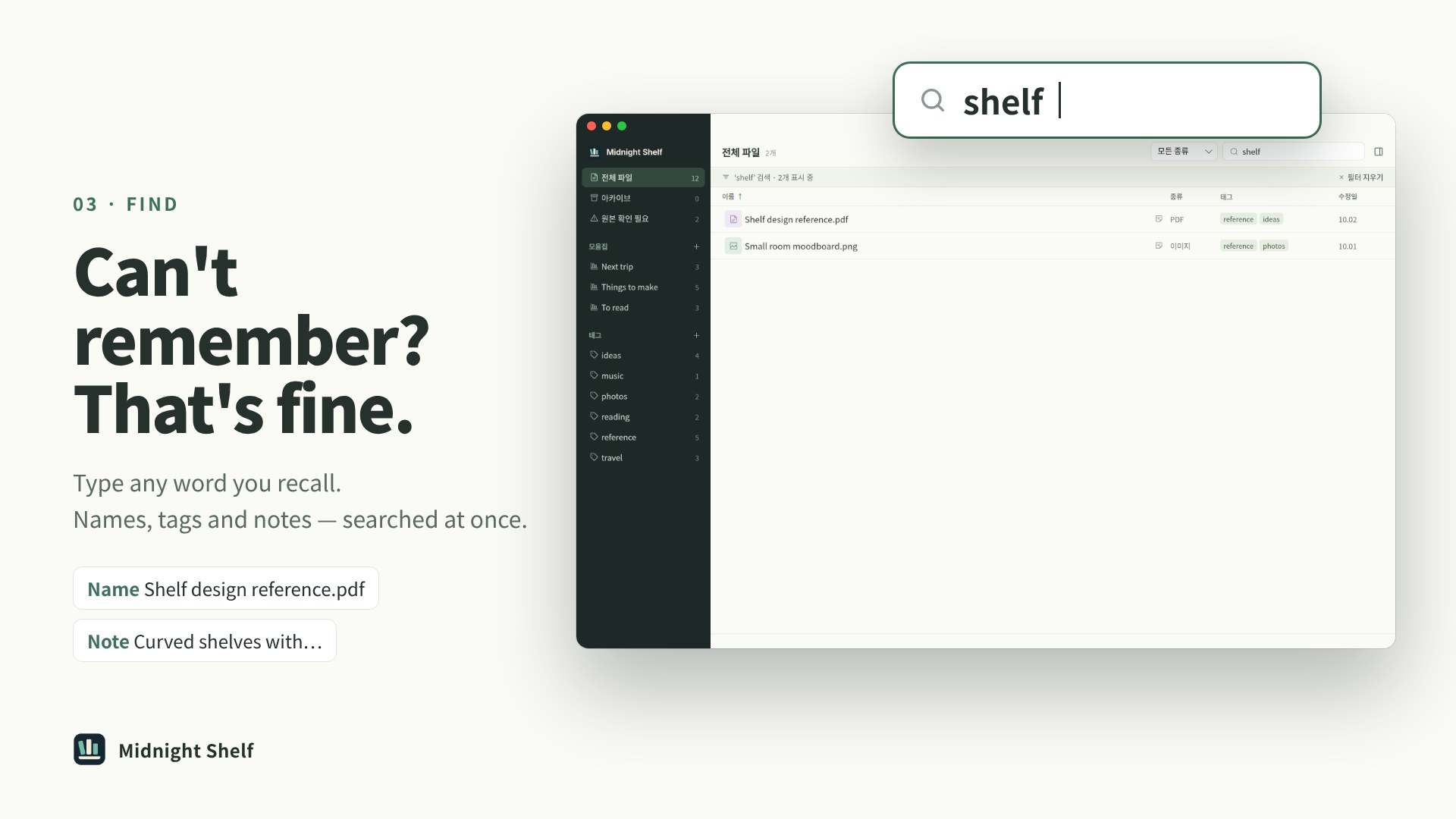
Search file names, tags and notes together.
Apply tags and notes to several files at once.
Store entries with their notes and organization and bring them back later.
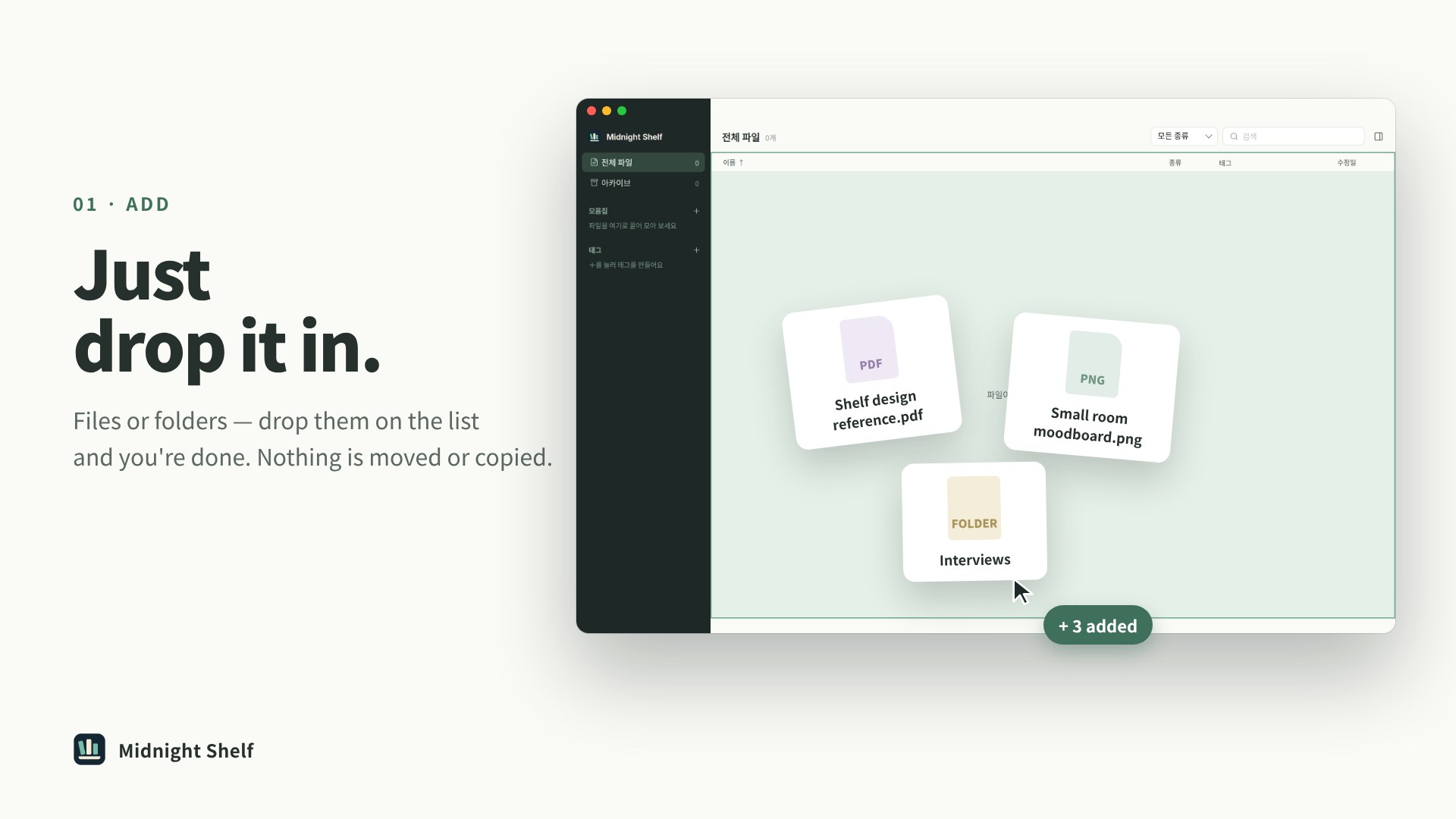
Drag a file or folder onto the list to add it. Double-click an entry to open it in its usual app. Adding a folder adds the folder itself.
Put a brief and its images in a collection, and tag useful references. One file can appear in multiple collections.
Record details that don’t fit in the file name, such as which version you sent or what to check at the next meeting. Search names, tags and notes together.
Apply tags and notes to multiple selected files. Append to existing notes or replace them.
Keep notes and organization in the archive, then restore the entry when you need it again.
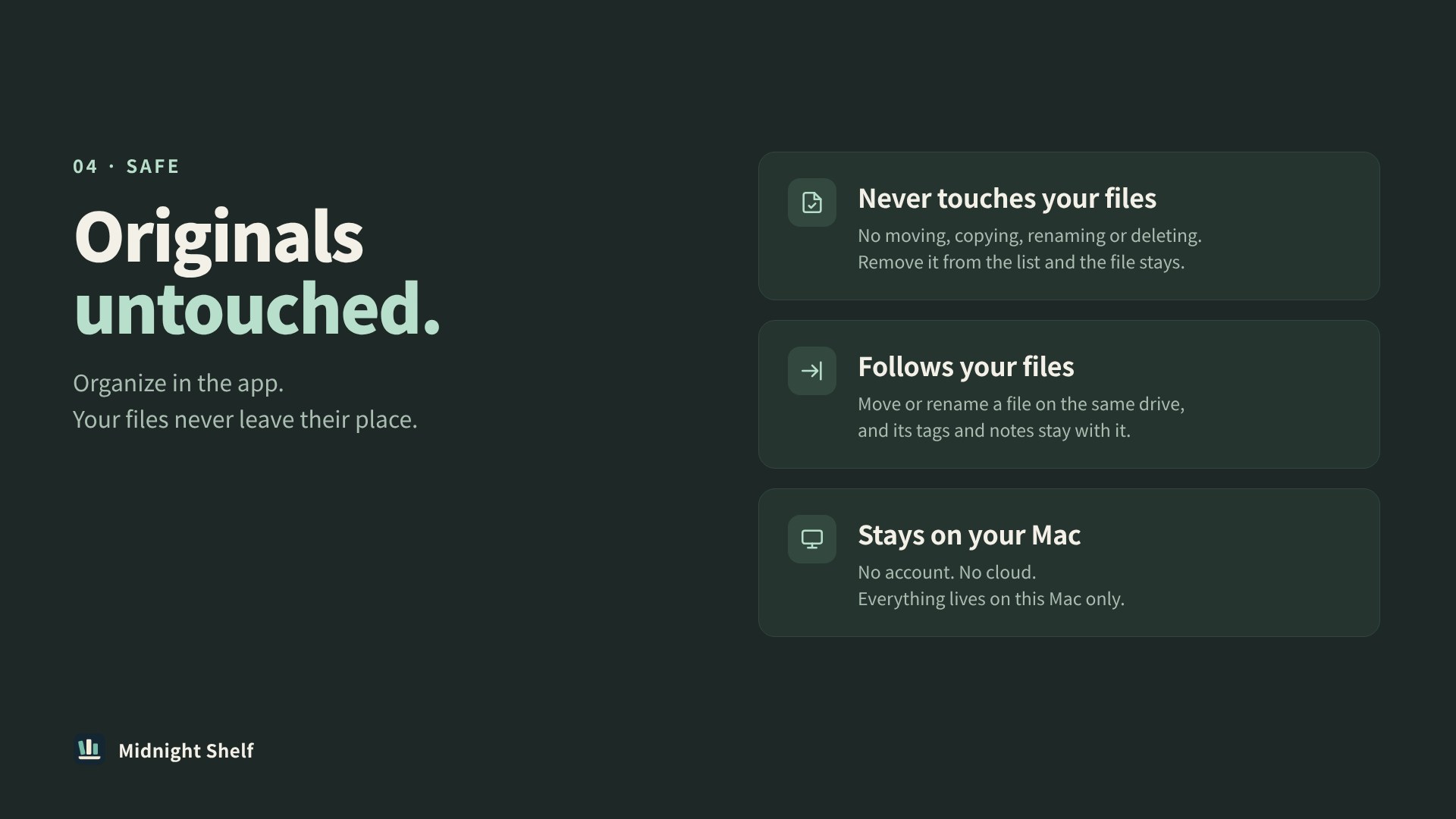
No account is needed. Tags, collections and notes are stored on your computer. Original files are not moved or modified.
On Mac, Shelf can find a file again after it is renamed or moved within the same drive. Moves to another drive and original file moves on Windows are not tracked automatically.
Archiving keeps notes and organization. Removing an entry also deletes its app-stored notes, tags and collection links. Neither action deletes the original file.
macOS 15 or later · Apple silicon. Open the DMG and drag Midnight Shelf into Applications. Check for updates from the app’s Help menu.
0.0.20 · DMGWindows 10 or 11 · x64. Extract the ZIP and run MidnightShelf.exe. To update, quit the app and run it from the new version’s folder.
0.0.19 · ZIP · No automatic updates