
사진을 보정하고, 설명을 붙이고, 한 장으로 모아보세요.
Frame Zero는 맥용 사진 보정·콜라주 편집 앱입니다. 사진의 색과 밝기를 조절하고 화살표·번호·텍스트로 설명을 더하세요. 여러 사진을 배치한 뒤 PNG나 JPEG로 저장할 수 있어요.
macOS 14 이상 · Apple Silicon
Mac 배포 중
Free for Mac
Frame Zero
A free photo and collage editor for Mac. Adjust photos, add clear annotations, and arrange images with ready-made or custom layouts.
macOS 14 or later · Apple silicon · Version 0.1.4
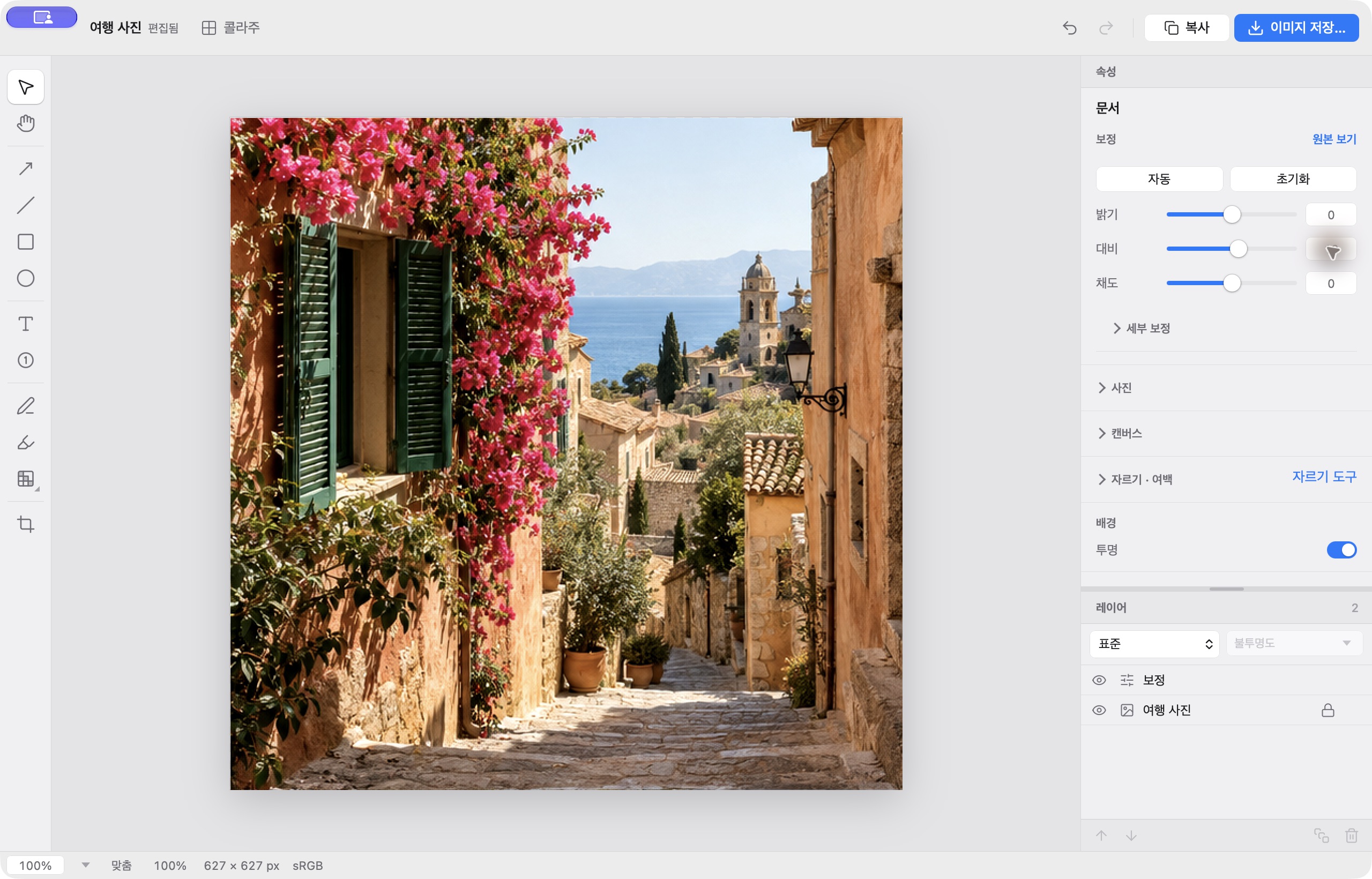
Edit, explain, and arrange images.
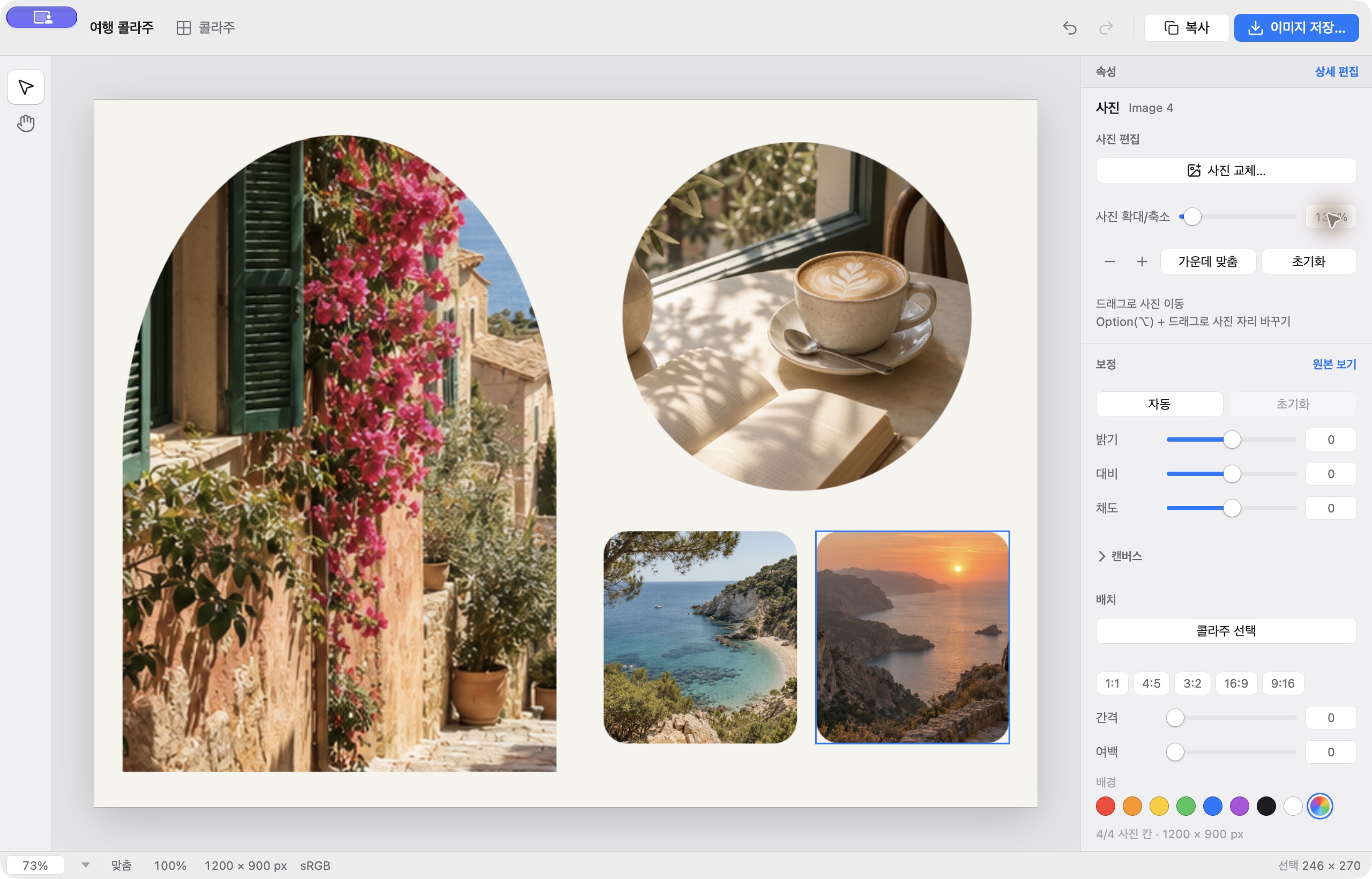
Frame Zero brings photo adjustments, annotations, and collage layouts into one Mac app.
Adjust photos
Open a photo and make quick visual adjustments.
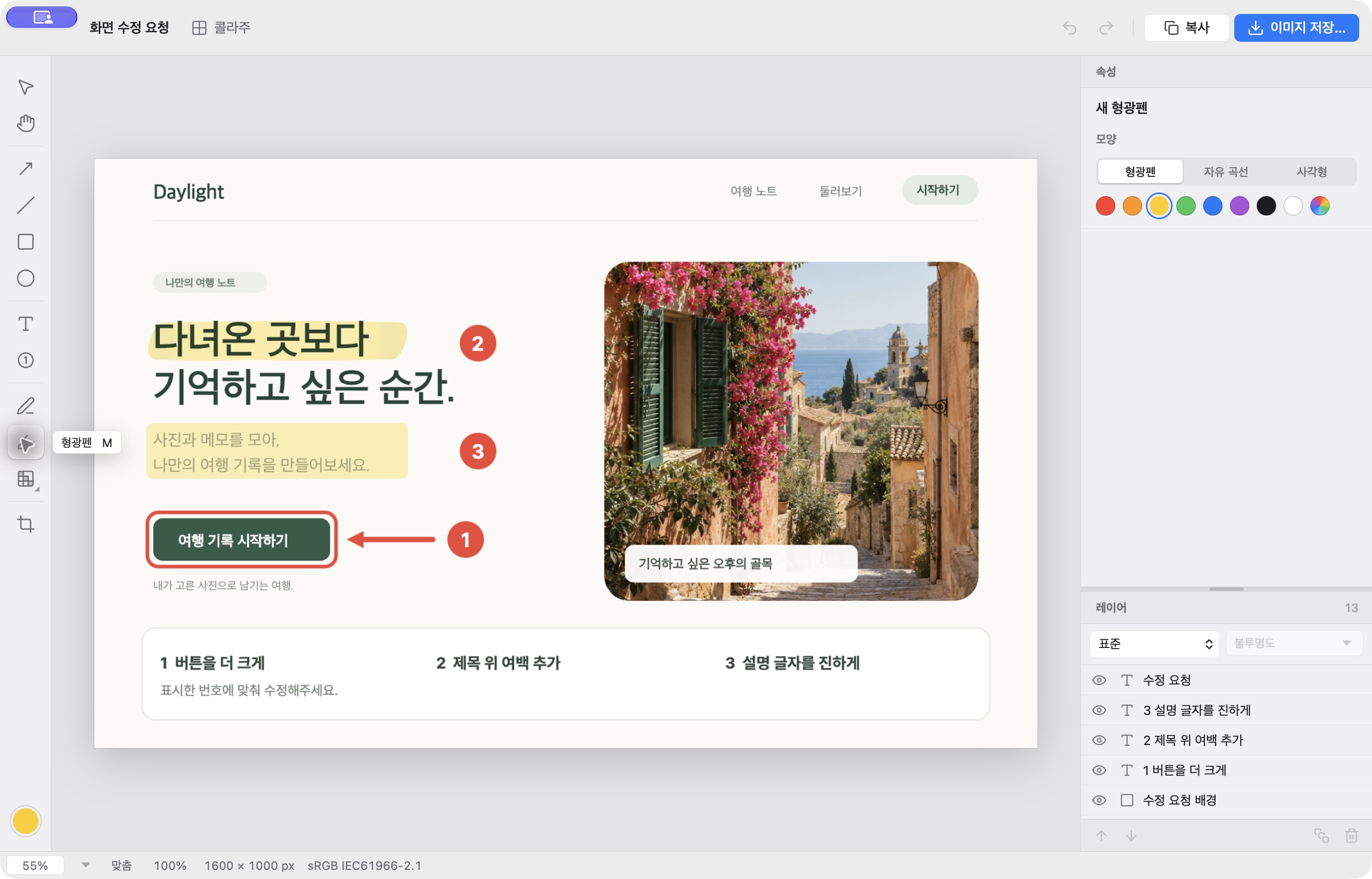
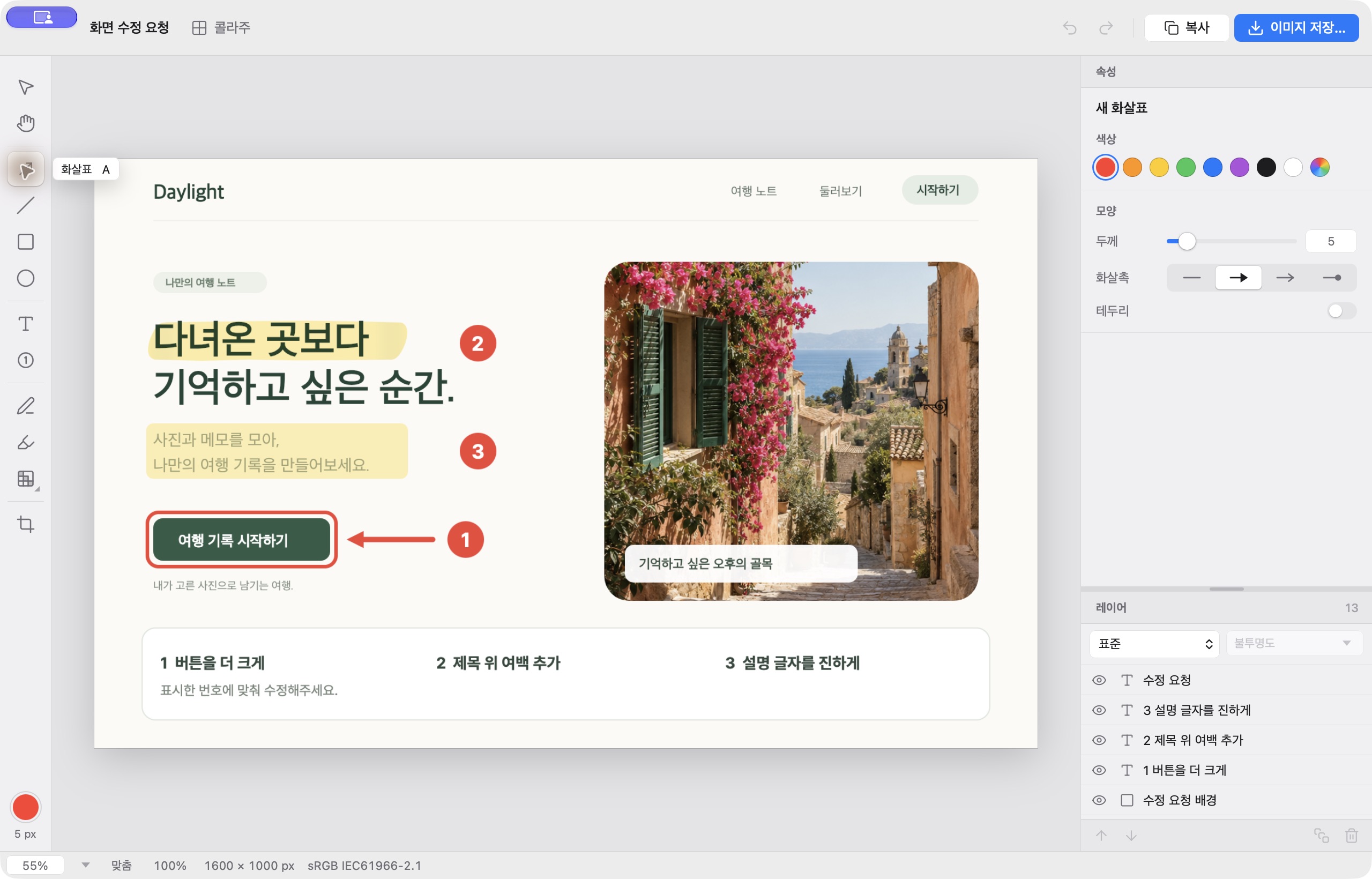
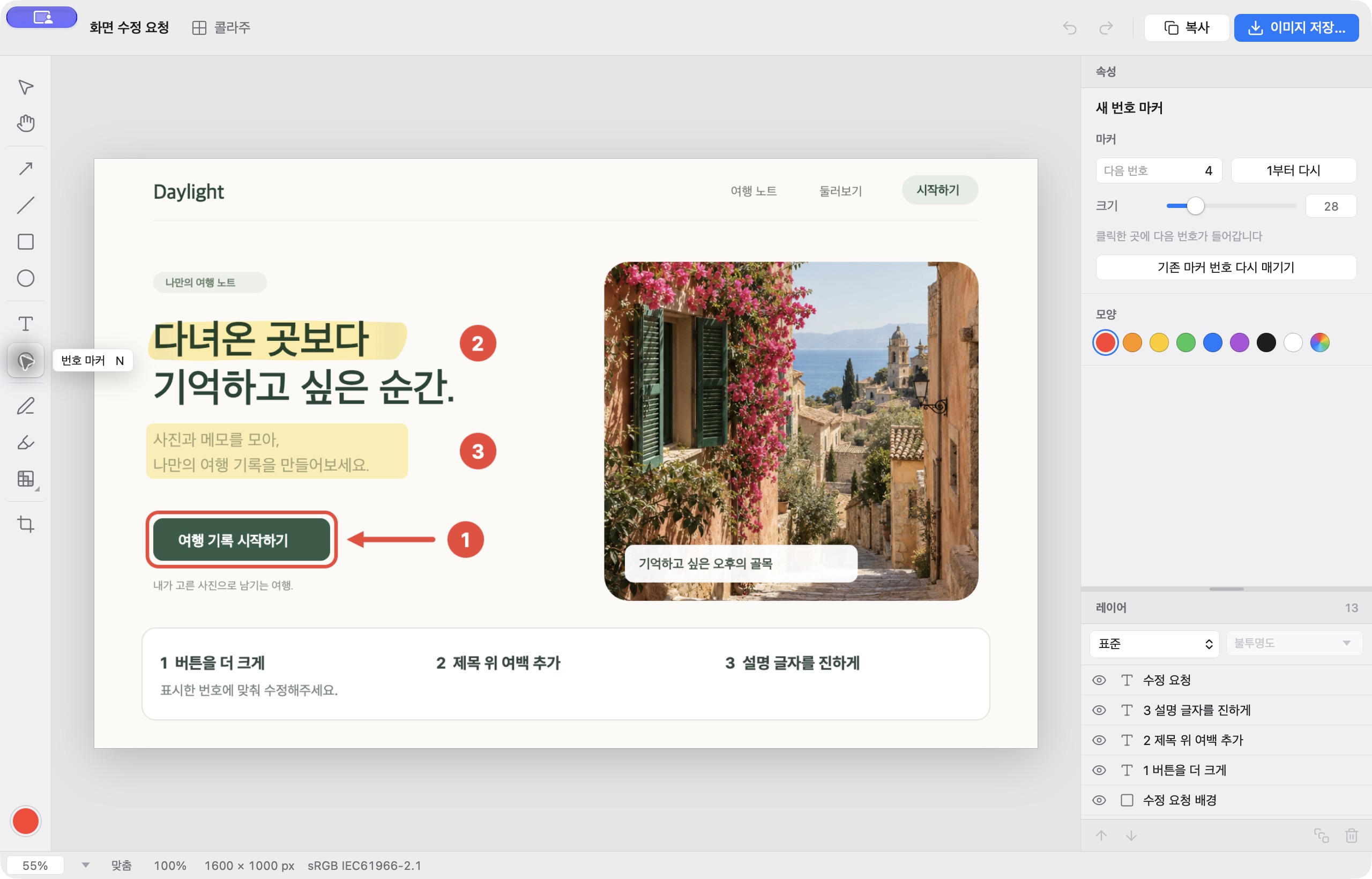
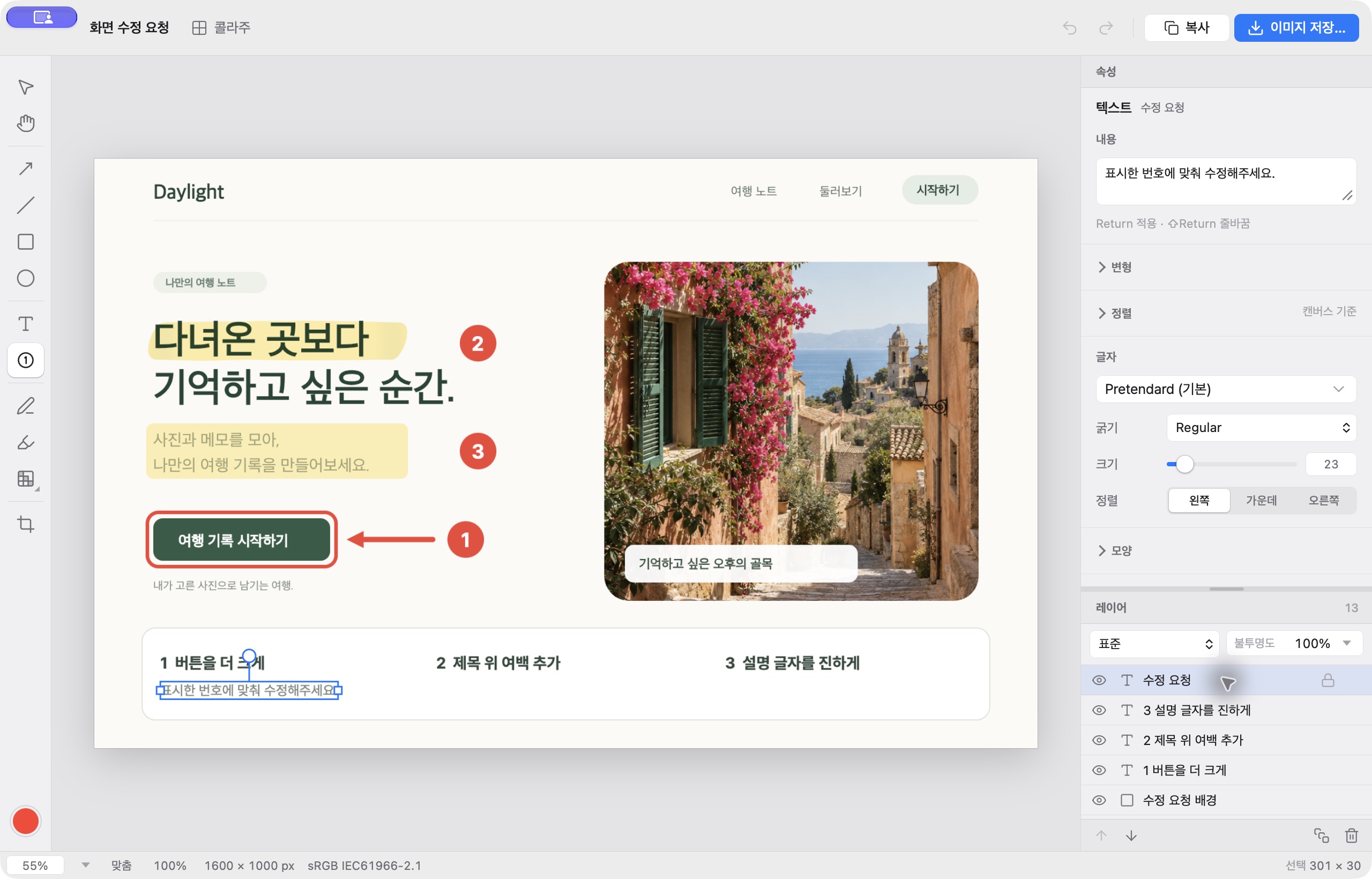
Annotate images
Point to details with highlights, arrows, numbered markers, and editable text.
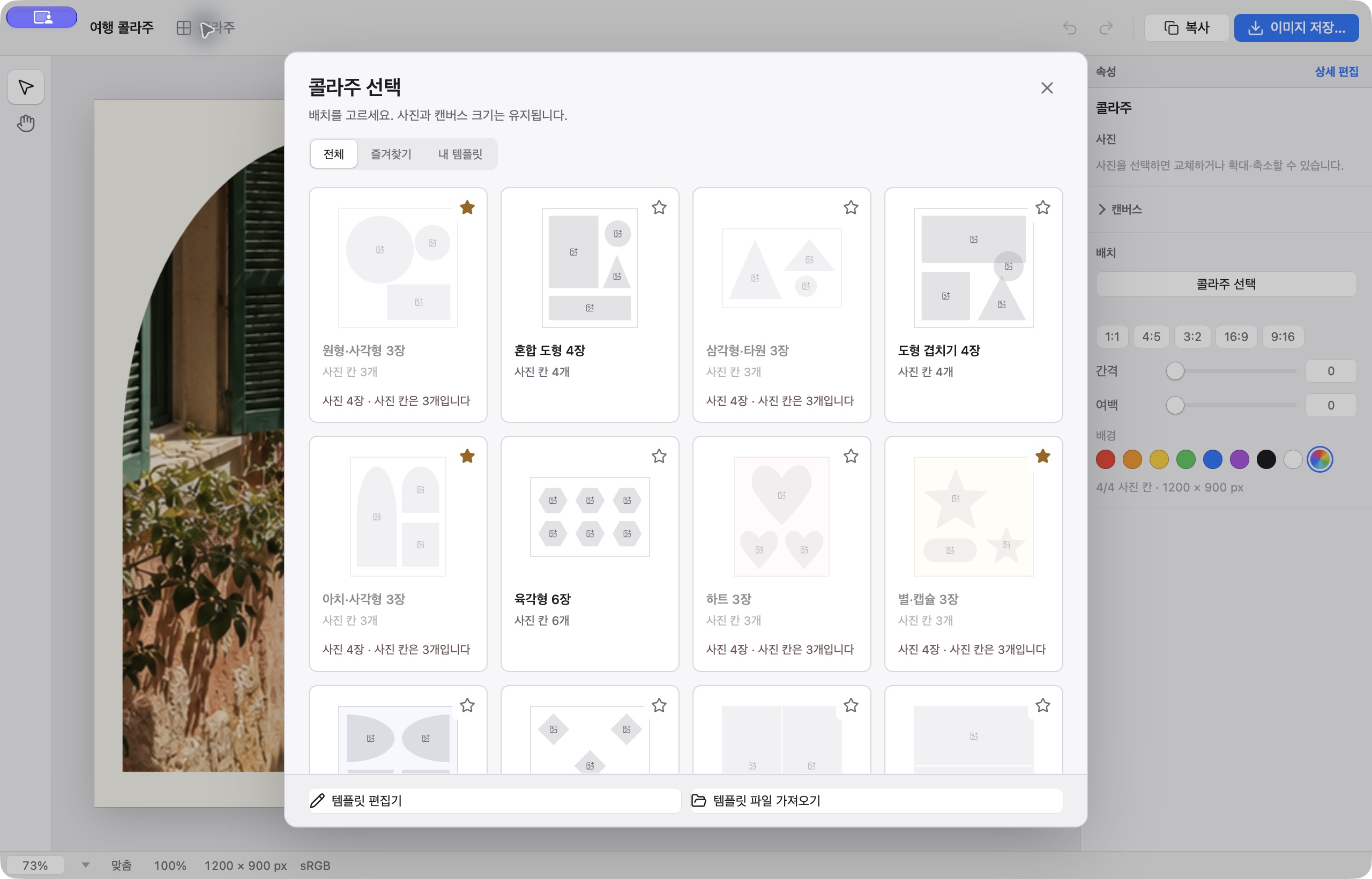
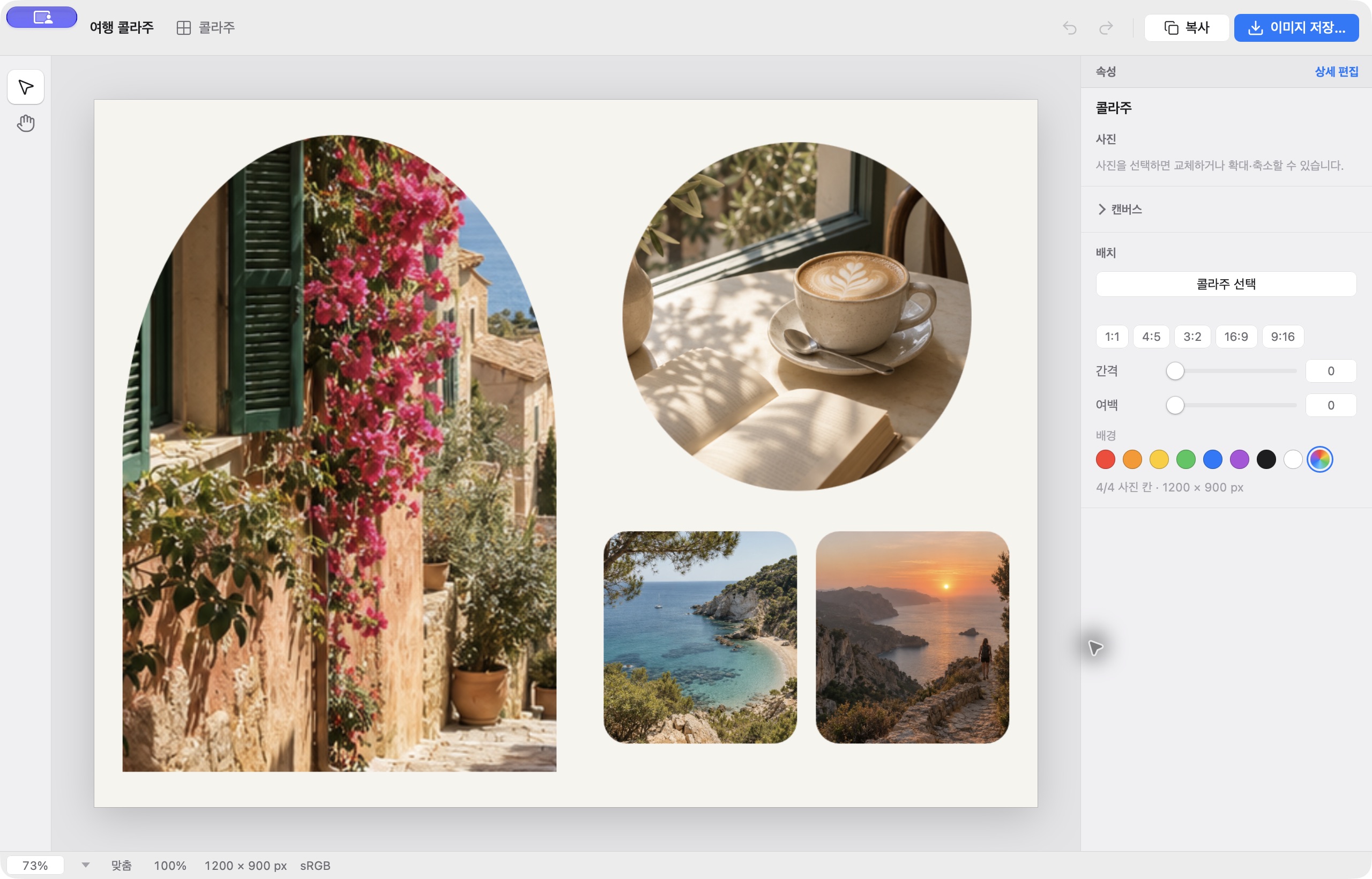
Build a collage
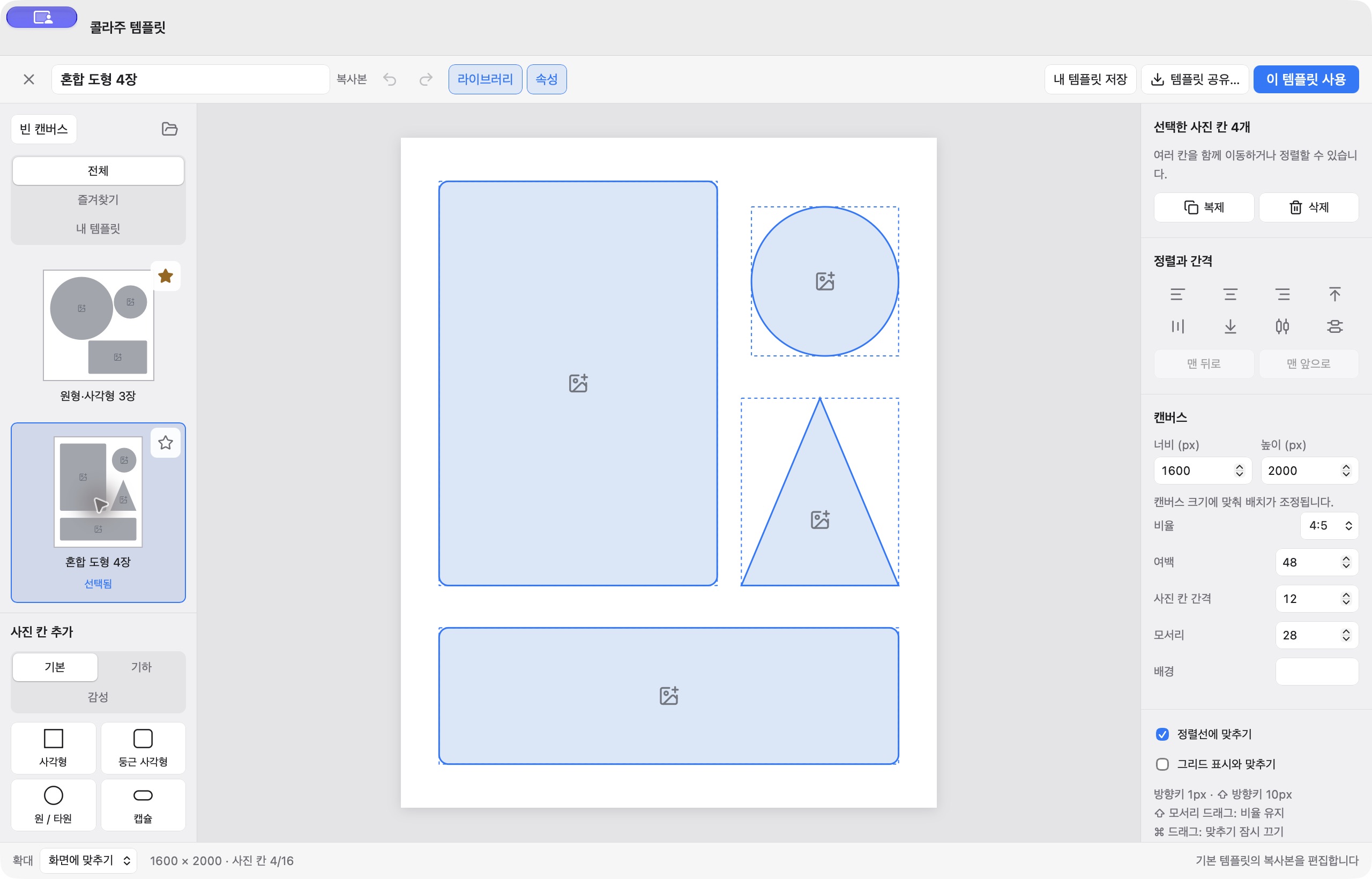
Use shape-based layouts or arrange photo spaces to create a custom composition.
Save your image
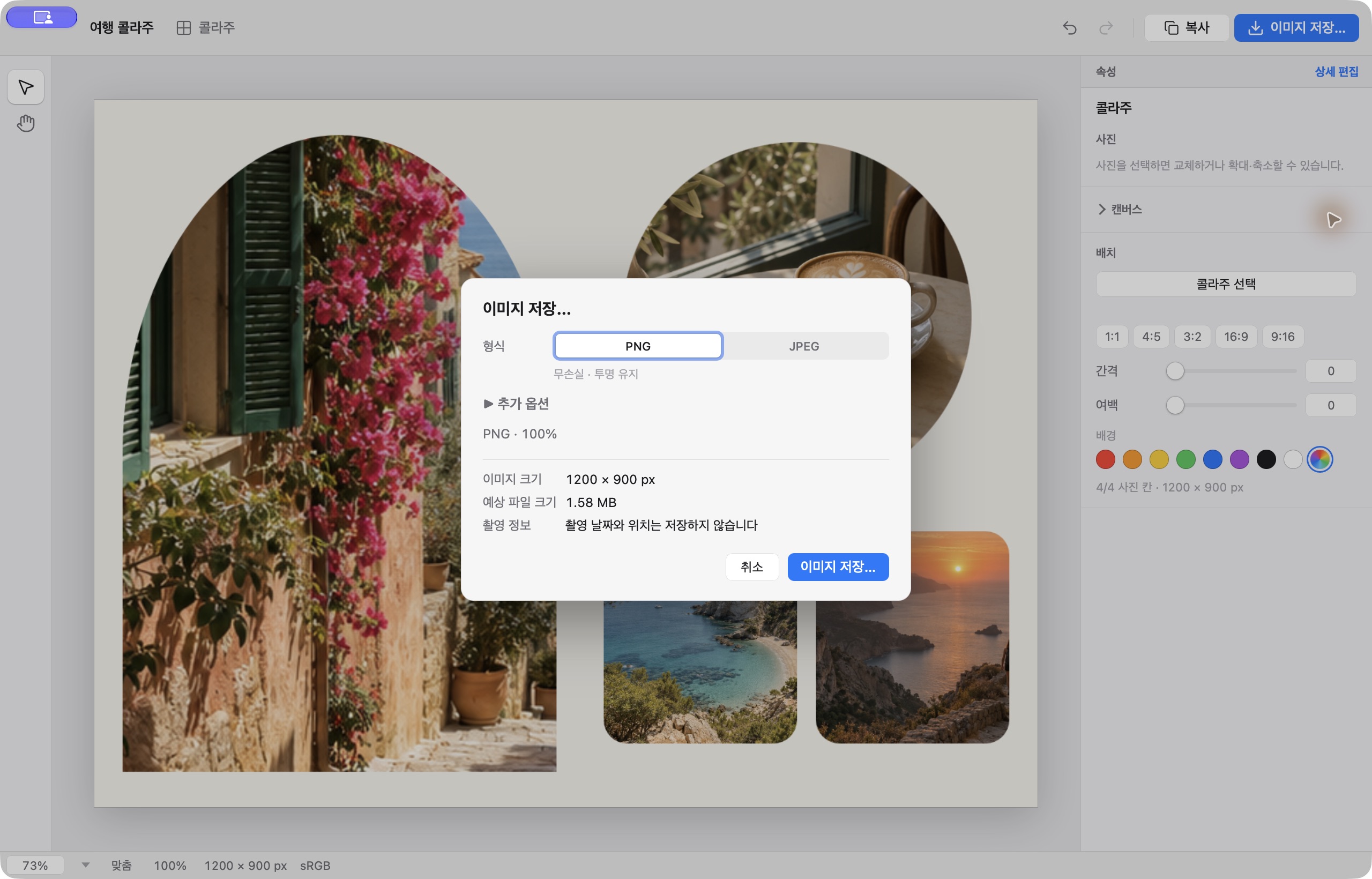
Export the finished image as PNG or JPEG.
See Frame Zero in use.
A closer look.
Captured directly from Frame Zero 0.1.4.
Frame Zero is free to download.
Requires macOS 14 or later and Apple silicon.