
참고할 화면을 캡처해 다른 창 위에 띄워두세요.
Midnight Shot은 맥에서 영역·창·전체 화면을 캡처하고 다른 창 위에 고정하는 앱입니다. 크기와 투명도를 조절하며 작업 화면과 비교하고, 필요한 부분을 PNG로 복사하거나 저장할 수 있어요.
macOS 14 이상 · Apple Silicon(M1 이상)
Mac·Windows 다운로드 / 구매 가능 · Lemon Squeezy
 Midnight Shot for Mac
Pin what you’re looking at. Keep working.
Capture an area, a window or the whole screen, and keep it floating above your other apps. Move it, resize it, or fade it to compare with your work.
From capture to pinned reference
Capture
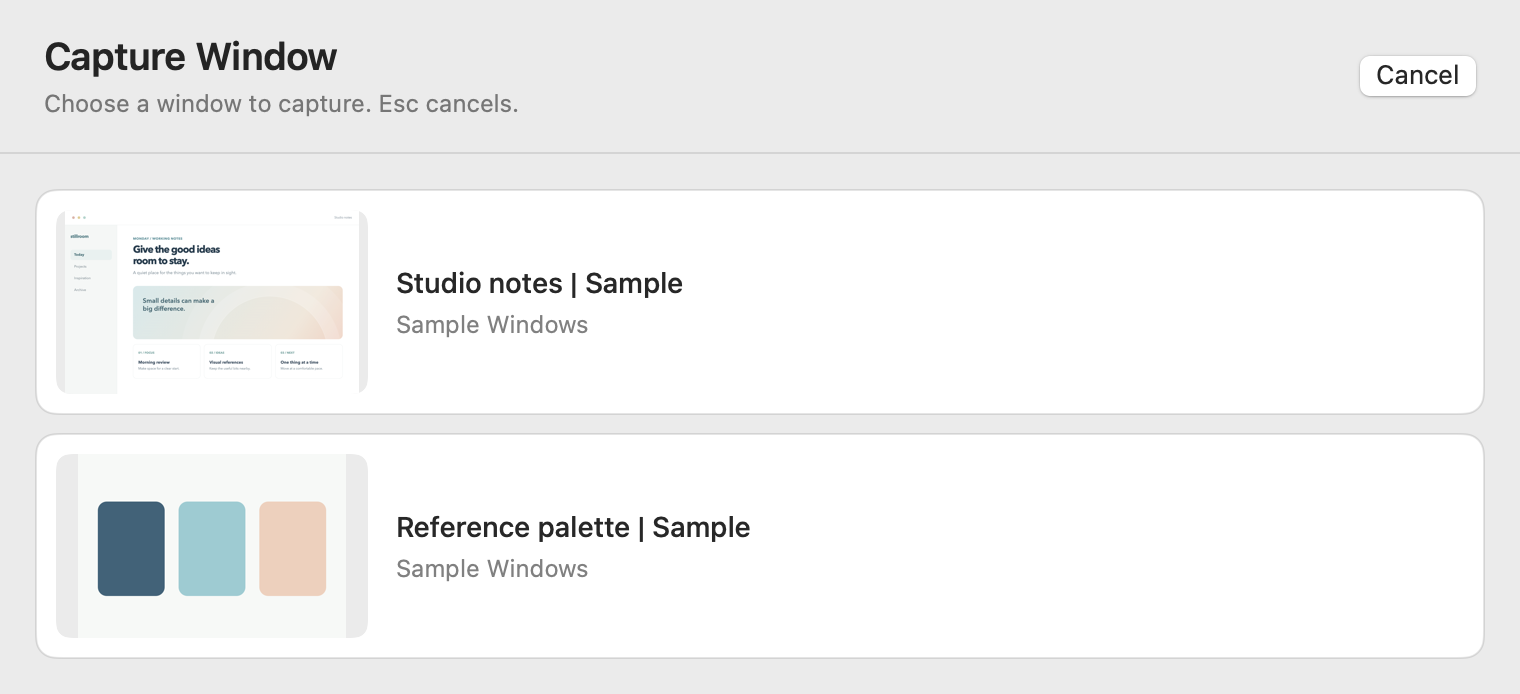
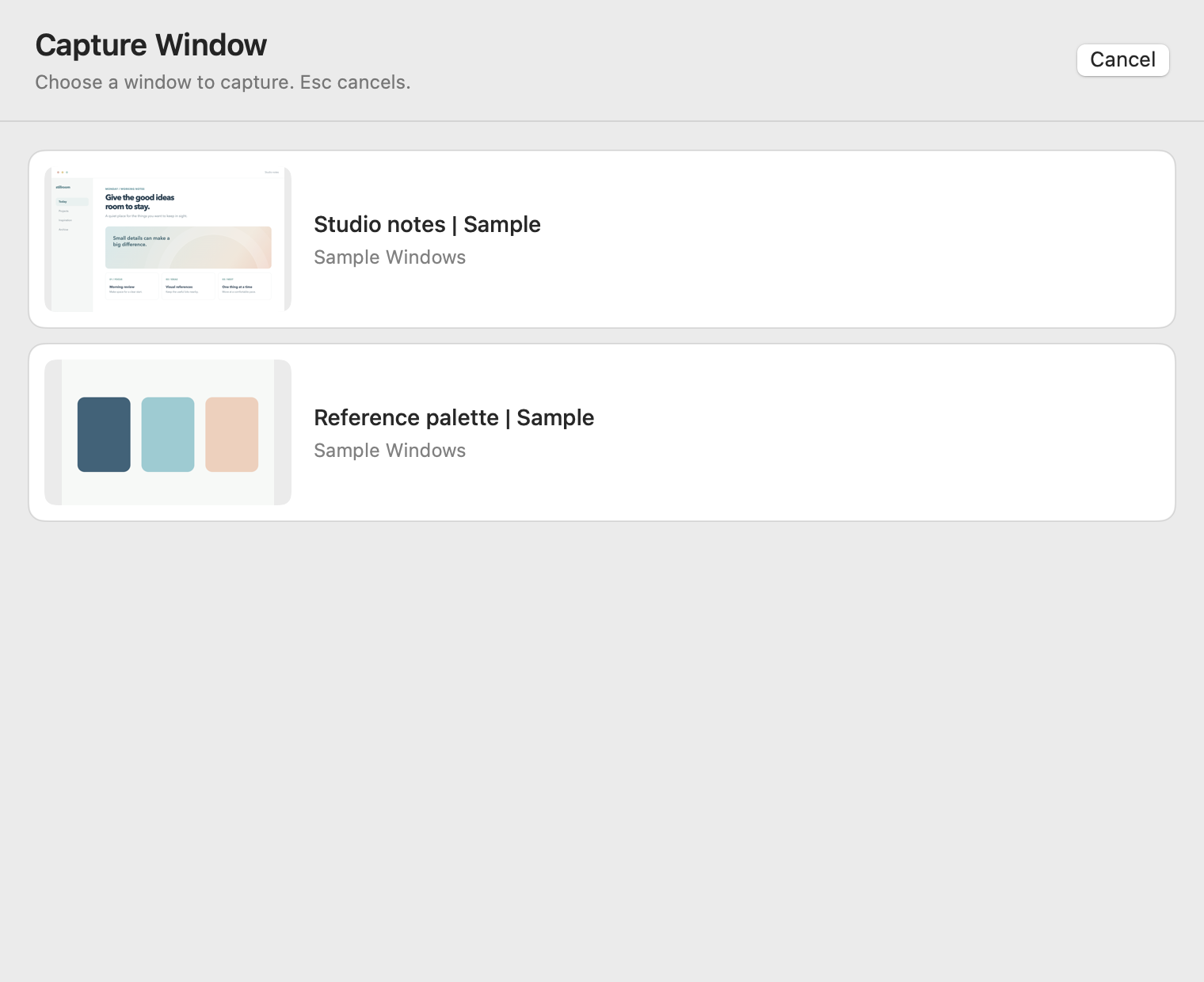
Start from the menu bar or a shortcut. Pick a window from live previews, or drag to select an area.
- Area
- ⌥⌘A
- Screen
- ⌥⌘S
- Window
- ⌥⌘W
Pin and compare
The capture stays above other windows while you switch apps. Move it, resize it, and lower its opacity to line it up with what’s underneath.
Useful for a spec beside a design, a note beside a document, or a before shot beside an after.
Copy or save
Every capture is saved as a PNG on your Mac, in folders by date. Copy it or save a copy from the toolbar when you need it elsewhere.
Captured images stay on your Mac and are not uploaded.
Mac
Download or purchase through Lemon Squeezy. Screen Recording permission is required.
Windows
Available through Lemon Squeezy. See the Windows preview
Capture an area or a UI element.
Keep a reference above your Windows apps. Capture a screen, window, area, or a single UI element, then compare it with your work.
Download or purchase the Windows version through Lemon Squeezy.
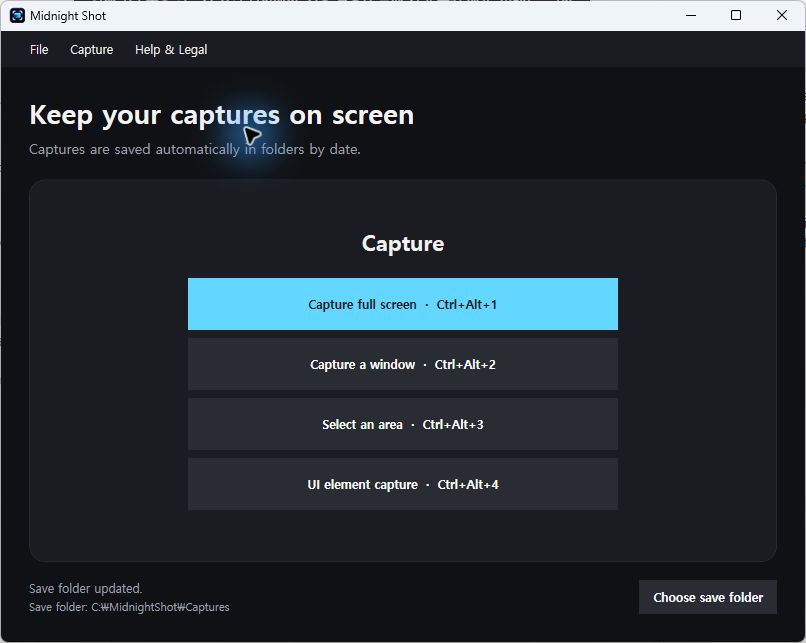
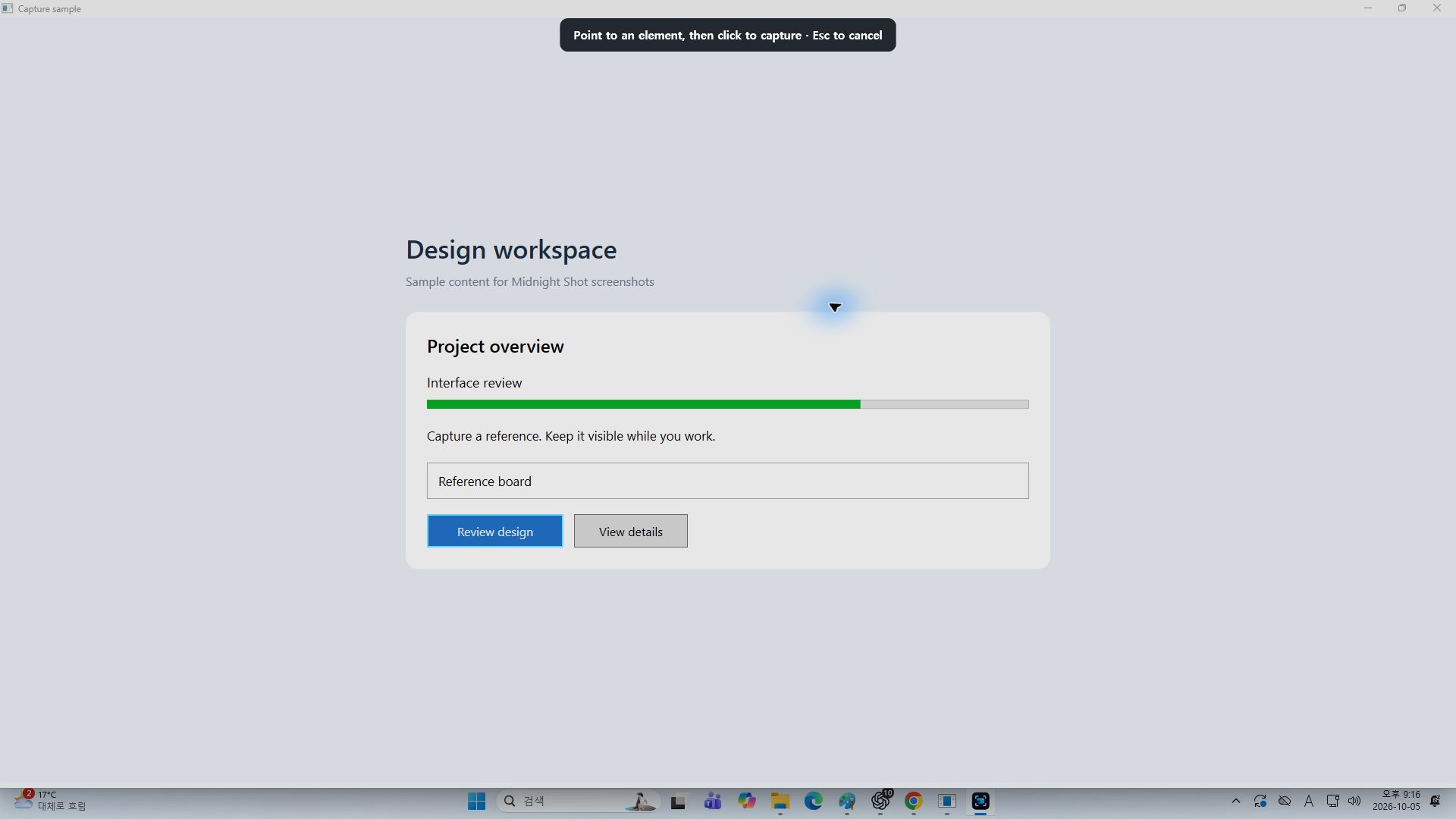
Select a button, input or panel.
Point at a UI element to see its boundary, then click to capture it. Small captures keep their original size, with the toolbar outside the image.
Capture the element itself
Useful when a single control or panel is all you need to compare.
Keep small captures usable
Move, open the menu, or close the overlay without enlarging the image.
UI element detection depends on the accessibility information provided by the app.
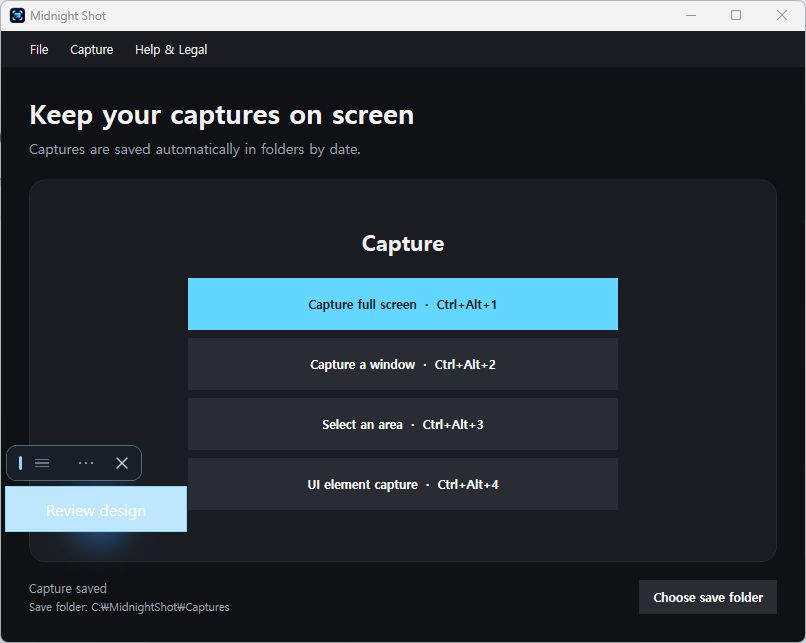
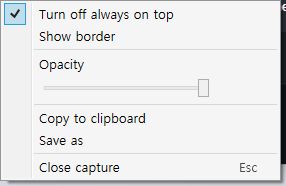
Pin the capture and adjust opacity.
Adjust opacity to compare a capture with what is behind it. Use the arrow keys to move an active overlay one screen pixel at a time.
Only show the area you need
Drag the corner handles of an area capture to change its visible region. Restore the original area at any time.
Keep the controls out of the image
Copy or save what is visible, without the toolbar or border.
Capture shortcuts and automatic saving.
Use the main window, the Capture menu, or a shortcut—even while working in another app.
Screen capture
Choose a monitor and capture its full screen.
Window capture
Pick one of your open windows.
Area capture
Drag a selection on the monitor under your pointer.
UI element capture
Point at a button, input, or panel and click.
Captures are saved automatically in folders by date. Choose a save folder from the main window. The app stays in the system tray when you close its main window.
Midnight Shot for Windows
Download or purchase the Windows version through Lemon Squeezy.
Screens shown here are from the Windows 0.1.6 development version.