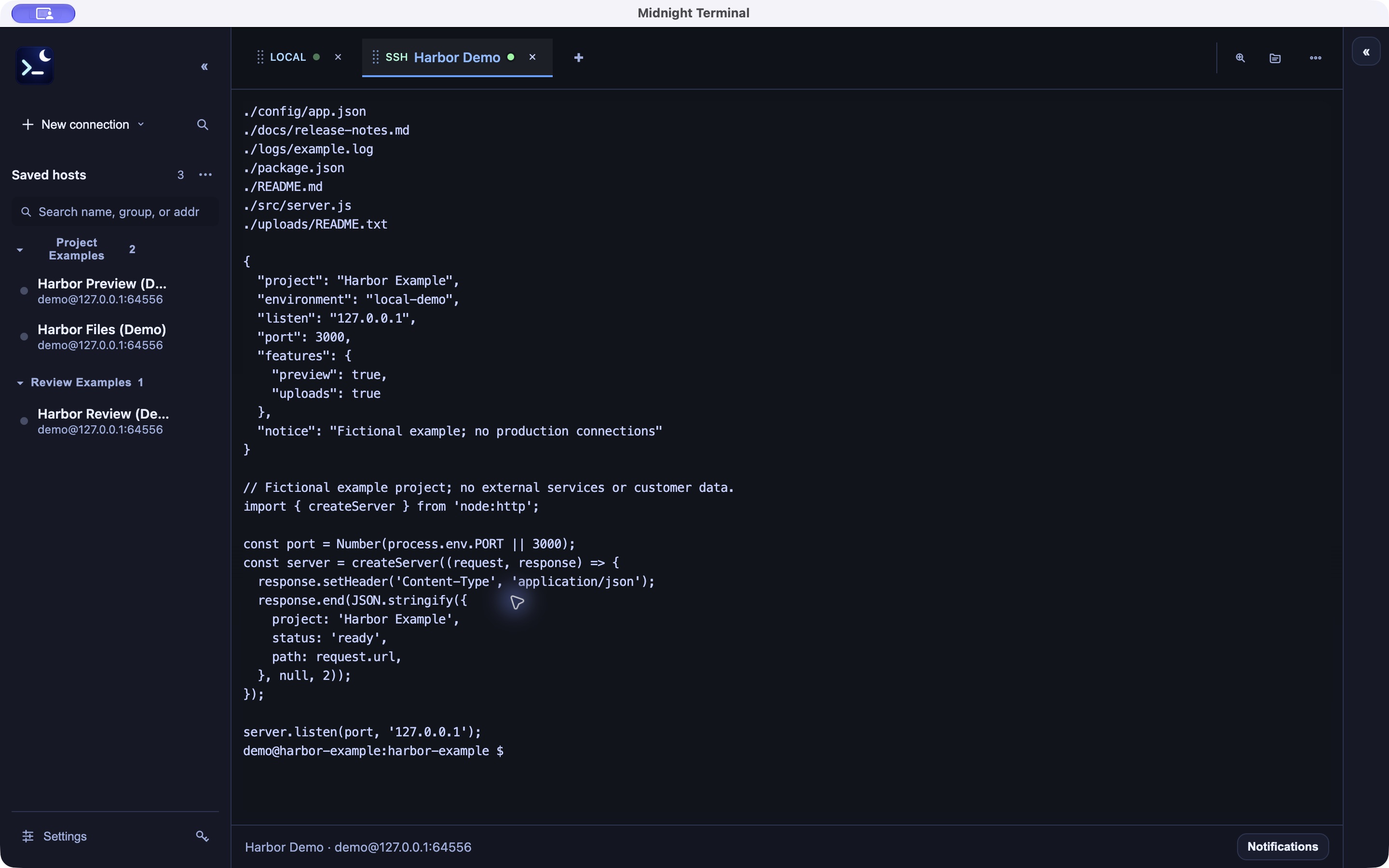
Tabs and split terminals
Separate local and SSH sessions into tabs and split the view to follow several tasks at once.

서버 접속과 파일 전송을 한 작업 공간에서.
Midnight Terminal은 Mac과 Windows에서 쓰는 SSH 터미널·SFTP 클라이언트입니다. 로컬 셸과 서버 접속을 탭·분할 화면으로 열고, 파일을 전송하거나 자주 쓰는 명령을 저장해 다시 실행할 수 있어요.
Mac: macOS 12 이상 · Apple Silicon / Windows 10·11 · x64
Mac·Windows 배포 중
Organize local shells and SSH sessions with tabs and split panes. Transfer files over SFTP and save commands you use often. Free for Mac and Windows.
Version 0.1.102 · Mac: macOS 12 or later, Apple silicon (M1 or later) · Windows 10 or 11 (64-bit)
Free download for Mac and Windows. No account or license key is required.
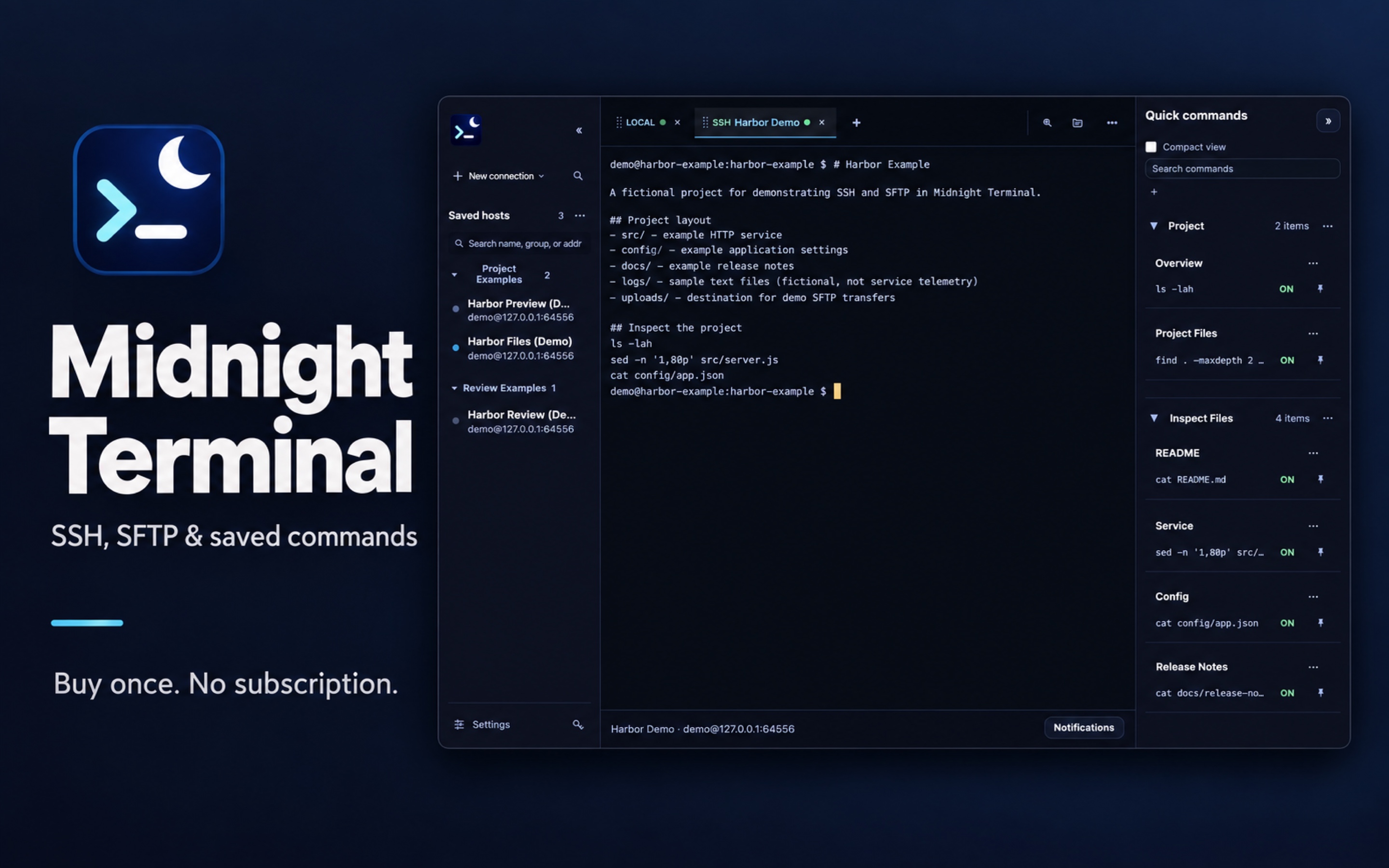
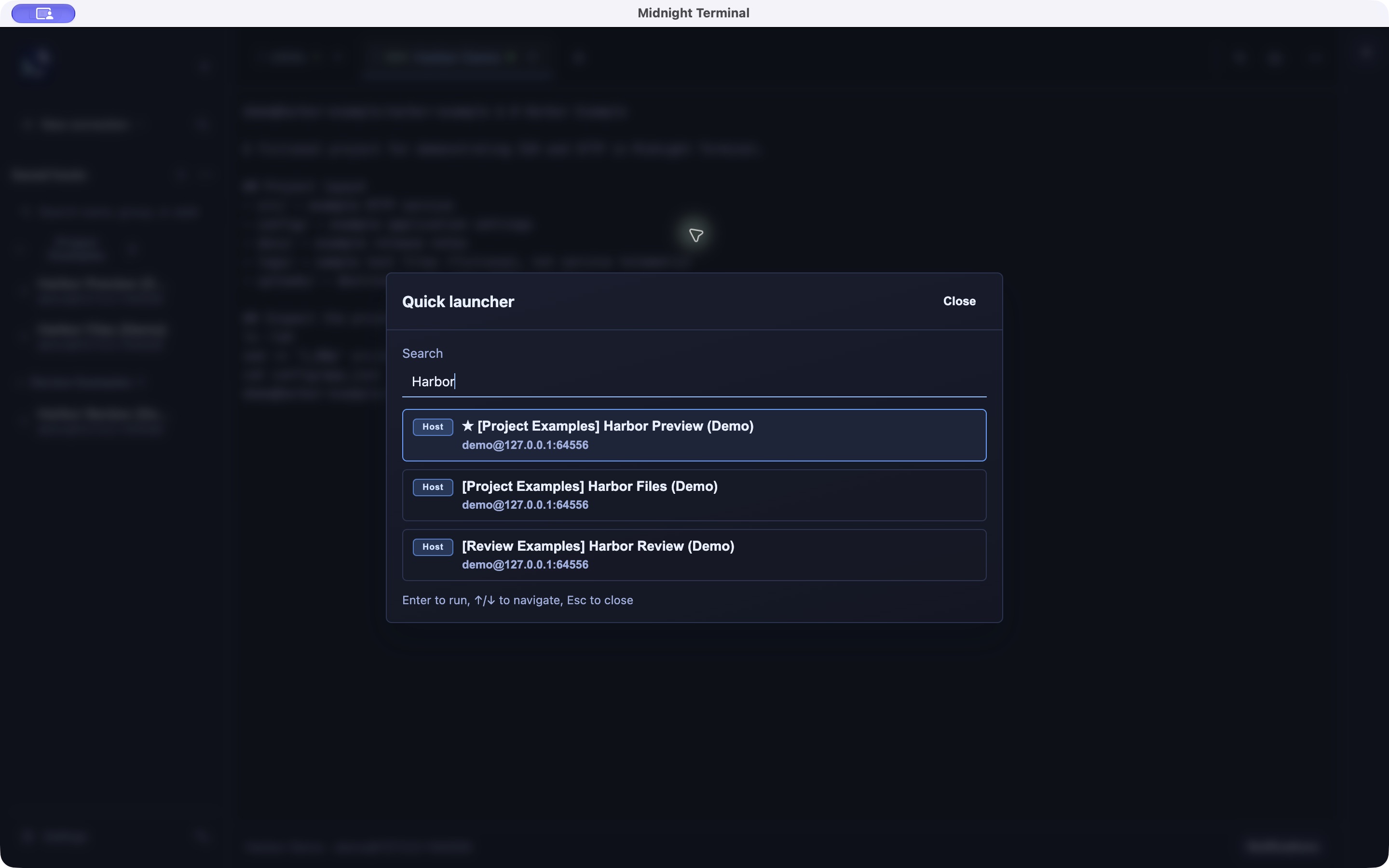
A desktop terminal for organizing server connections and commands for recurring work. Work with sessions side by side, then search saved hosts to reconnect quickly.
Separate local and SSH sessions into tabs and split the view to follow several tasks at once.
Connect with a password, private key, or SSH Agent, then upload or download files and folders.
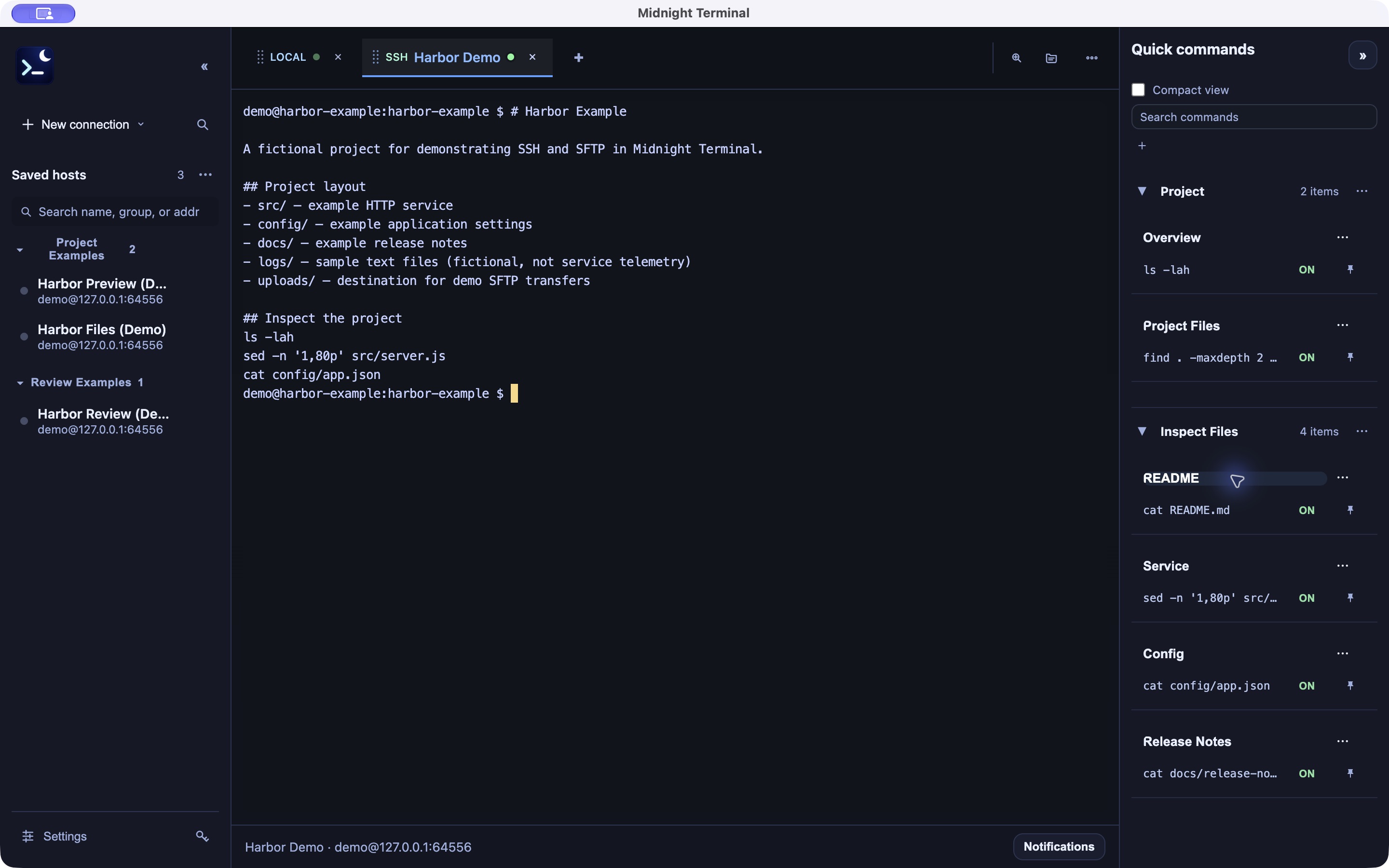
Save commands with Quick Command and quickly find connections with host search.
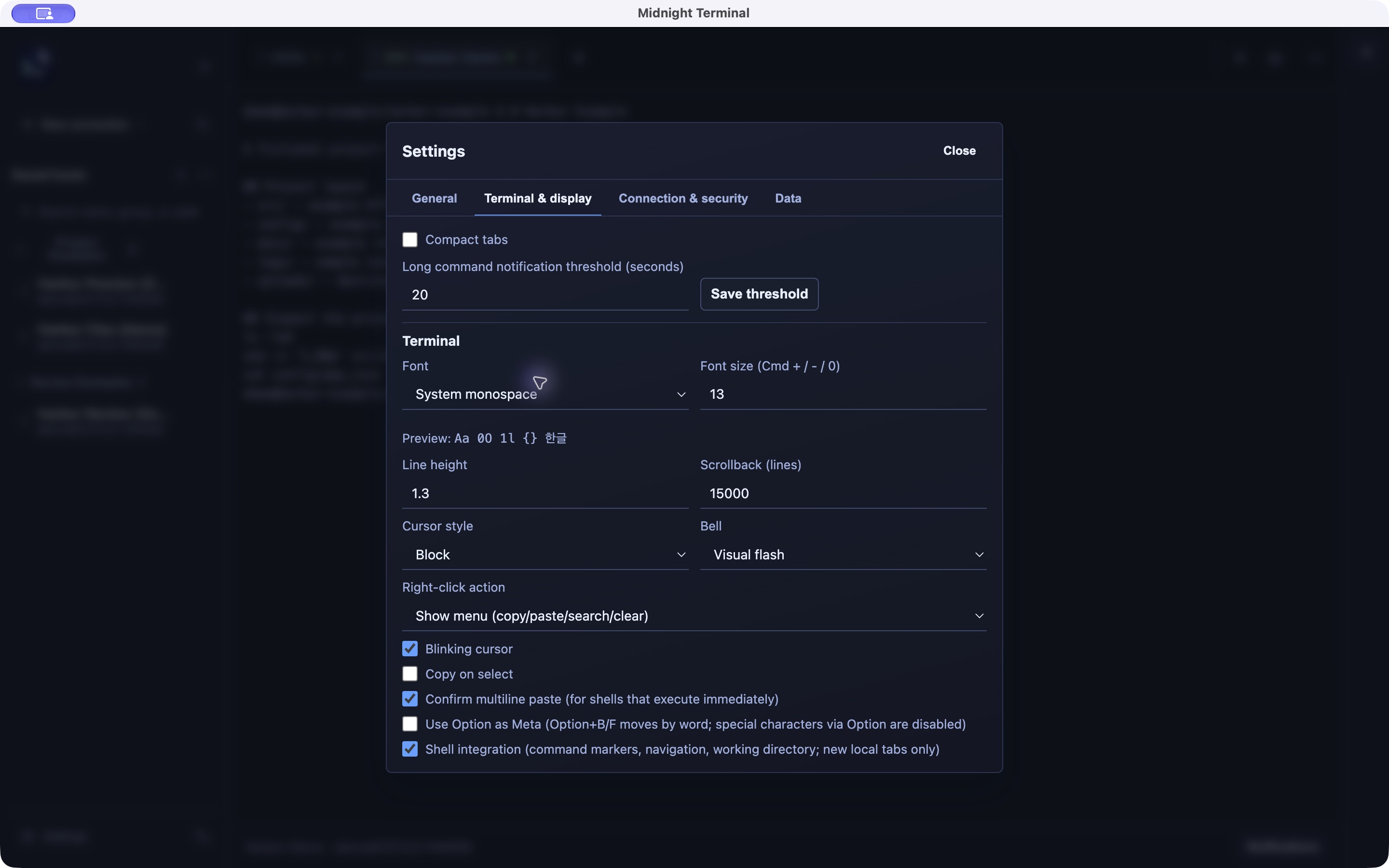
Save workspaces and restore tabs when reopening the app. Adjust the font, cursor, and scrollback too.
Open a local shell or add an SSH host and its authentication method. Search your saved hosts to reconnect.
Arrange sessions in tabs and split panes, and save recurring commands in Quick Command. Save your arrangement as a workspace.
Open SFTP from an SSH connection to upload or download files and folders. Check transfer progress or cancel a transfer.
SSH supports password, private-key, and SSH Agent authentication. Configure a Jump Host or HTTP/SOCKS proxy when needed.
Adjust the font, size, line spacing, cursor, and scrollback. Configure multiline paste confirmation and copy on selection.
App screenshots include sample data to illustrate the features.